The InstantIoT app is where you build the screen your devices talk to. This page names the three things everything else is made of — a project, its dashboard, its devices — and walks through the home screen and the three tabs at the bottom, so the rest of the documentation reads without guessing.
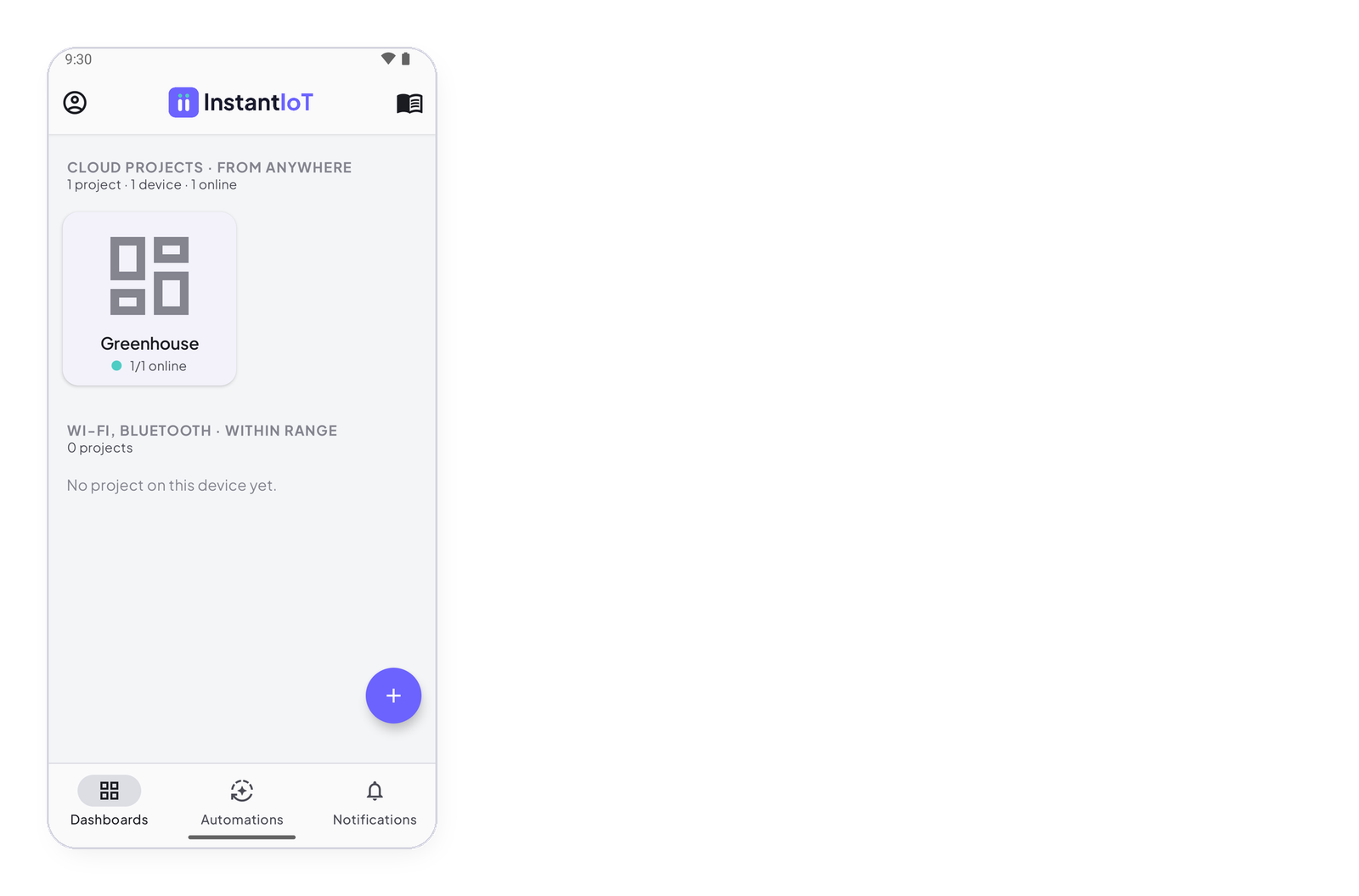
Three words
- A project is one thing you build: Greenhouse, Robot arm. It has one dashboard and one or more devices. It is either a Cloud project or a Direct project — Cloud or Direct: choose how your device connects.
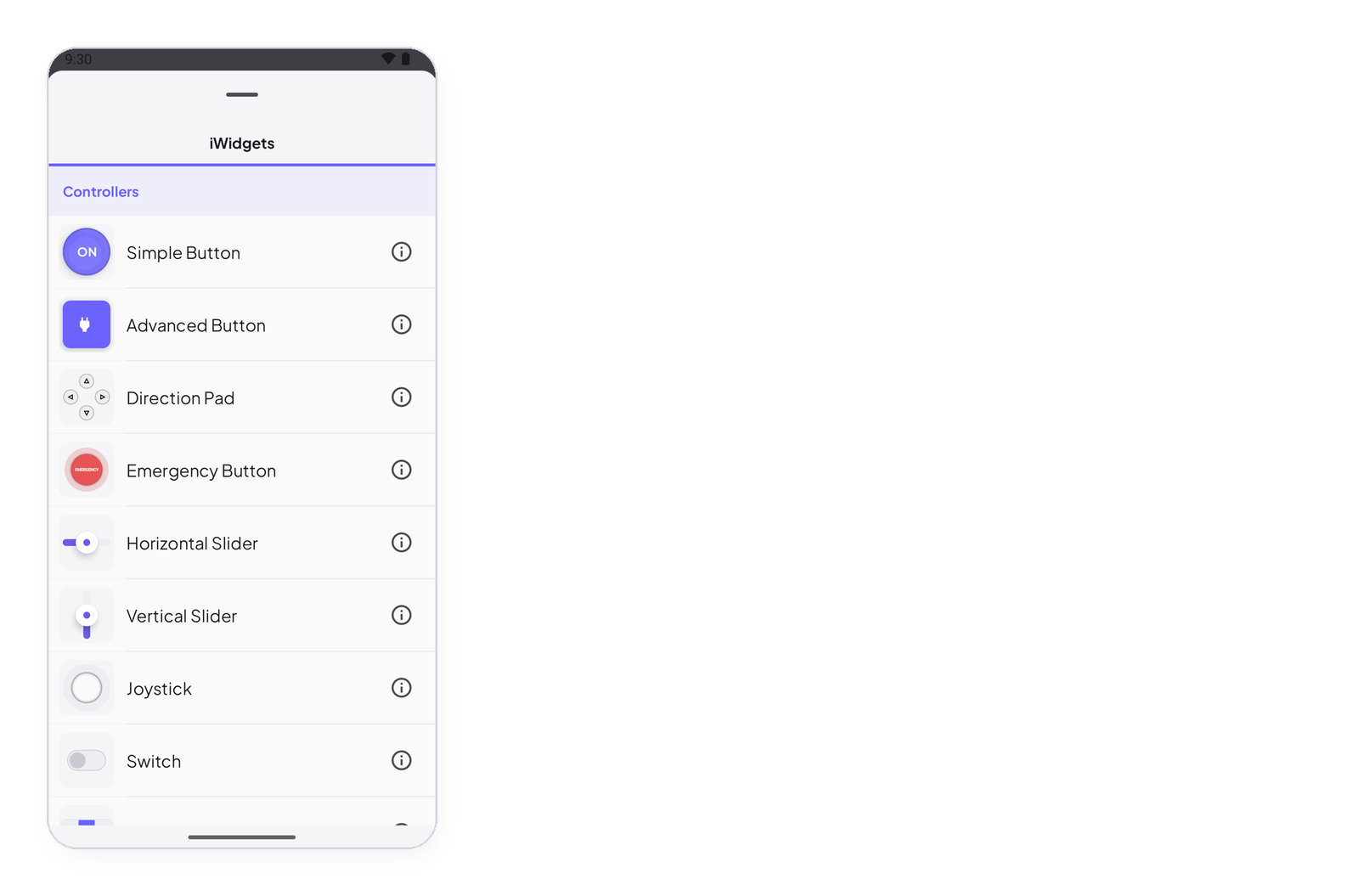
- The dashboard is the screen: a grid of widgets, on one or several pages. In edit mode you place, move and configure widgets; in Run mode (▶) you use them.
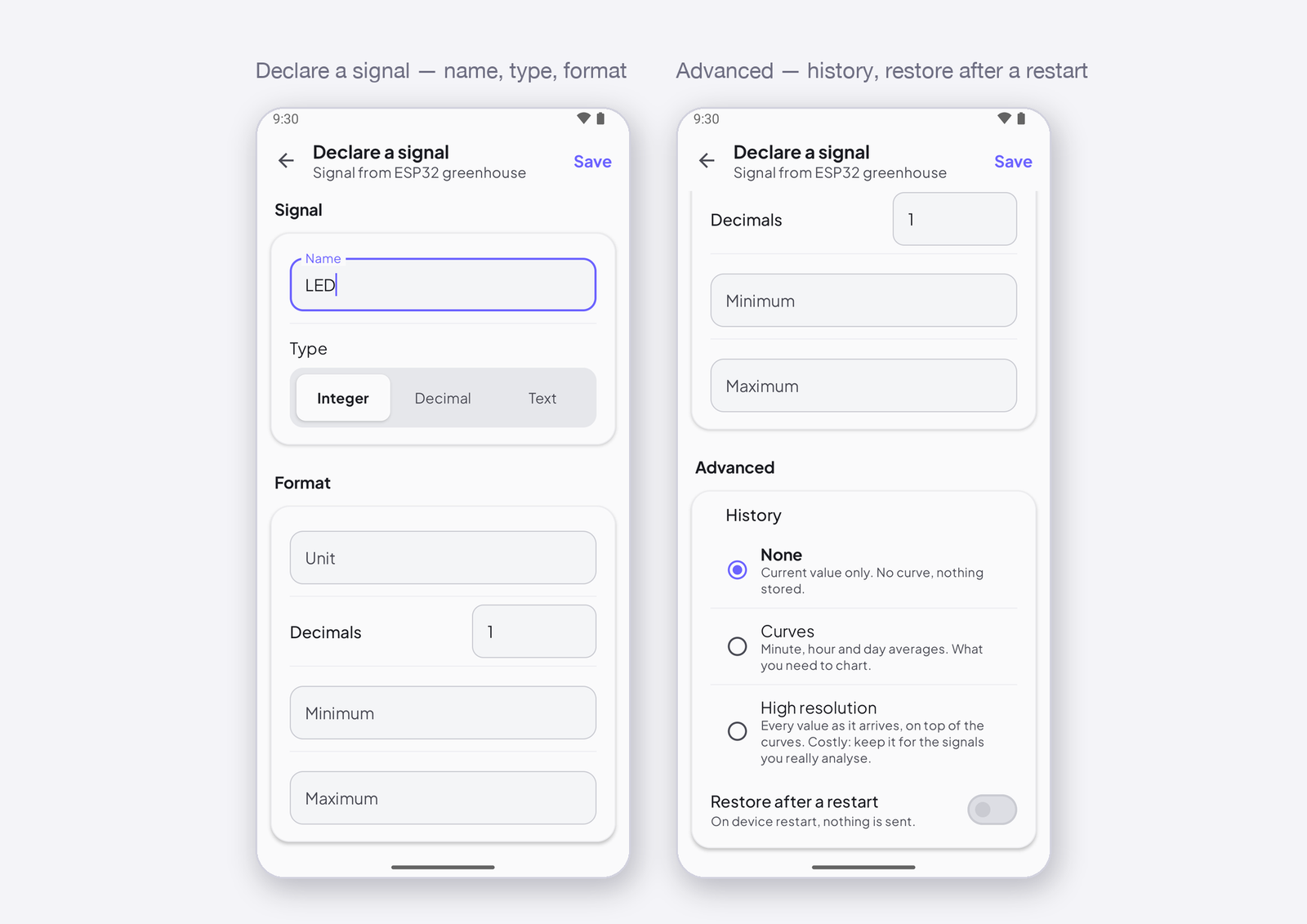
- A device is one ESP32, ESP8266 or Arduino. It has a token that identifies it, and signals — the values it sends and receives, each at an address like
I0.
The home screen
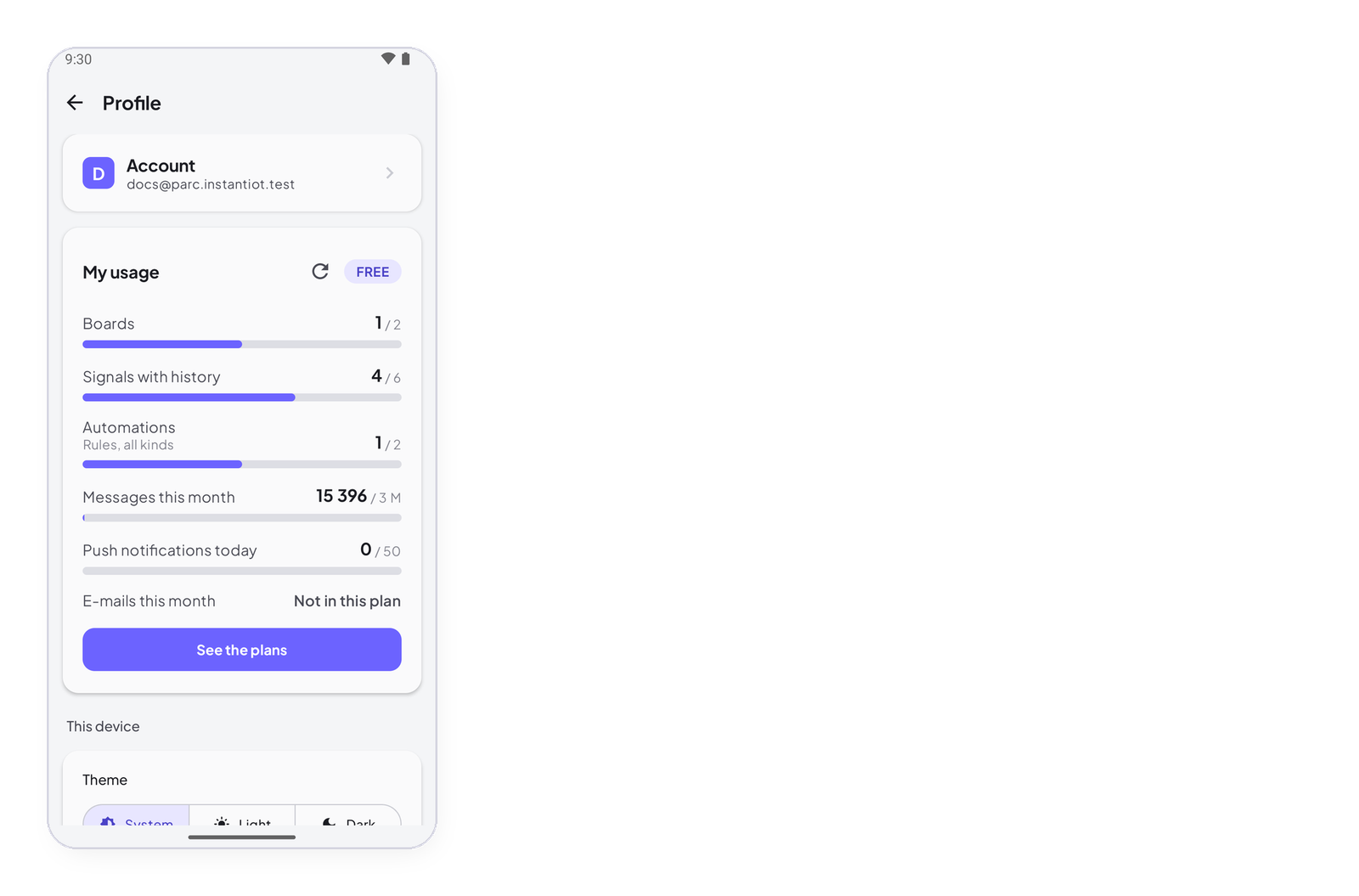
It lists your projects in two groups: Cloud projects · from anywhere, and Wi-Fi, Bluetooth · next to the device (Direct). Tap a project to open its dashboard; long-press it for its options. The + button creates a project; My profile (top left) opens your account, your usage and the settings of this phone; the book icon (top right) opens the resources.
The three tabs
- Dashboards — your projects, above.
- Automations — the rules that run on the server: when something happens, if something is true, then do this. How an automation works.
- Notifications — what your rules did: every push, every e-mail, and the ones refused at your plan’s ceiling. The Notifications screen.
Inside a project
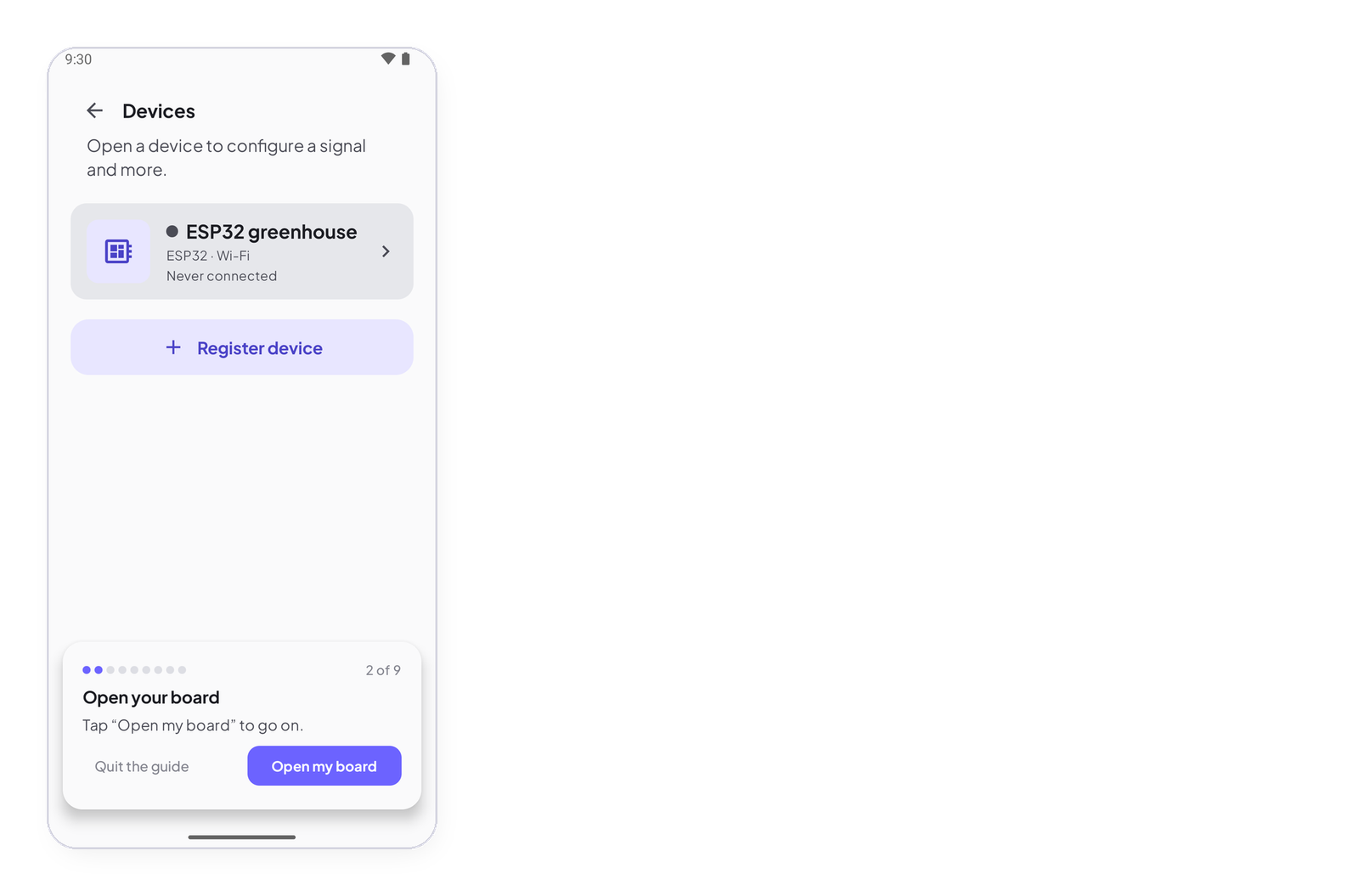
The dashboard opens in edit mode with a toolbar at the bottom: + adds a widget, the list icon selects several, then duplicate, delete, refresh. At the top right: Add page, ▶ Run, and the device icon — that is where your devices live: register one, declare its signals, copy the sketch. Register a device and declare its signals · Build your dashboard.