A signal is one value your device and the app share — a temperature, a pump state, a mode. Everything a widget shows or writes goes through a signal, and everything a rule watches is a signal. This page explains each field of the Declare a signal form, and what counts against your plan.
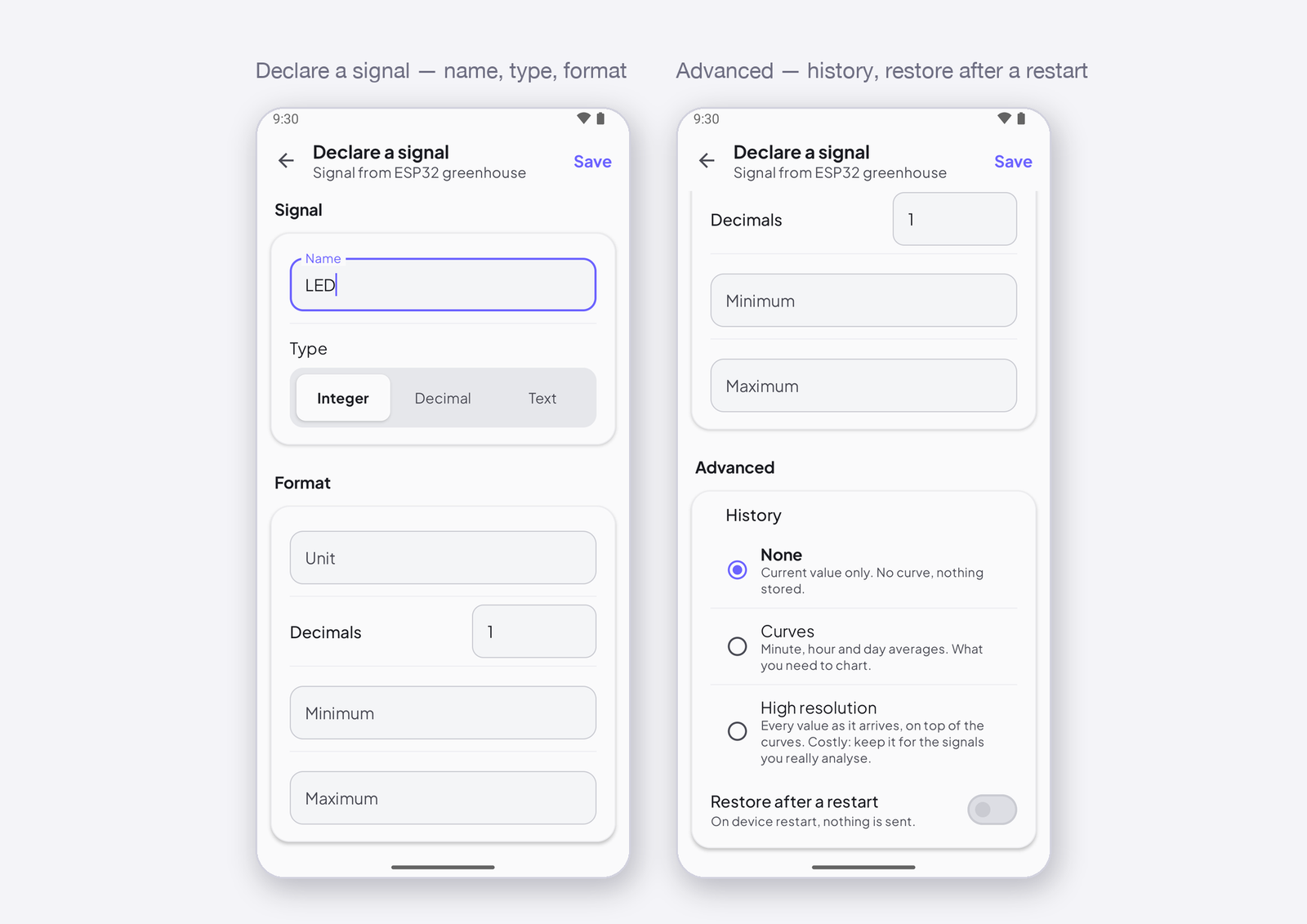
Name and type
The name is what you read on the dashboard and in the signal picker — Temperature, Pump, Mode. The type says what kind of value travels:
| Type | Holds | On the device |
|---|---|---|
| Integer | whole numbers — a count, a state (0 / 1), a mode |
int, bool (0 or 1) |
| Decimal | numbers with a fraction — a temperature, a percentage | float |
| Text | up to 48 characters — a status, a pad direction, a joystick position | const char* |
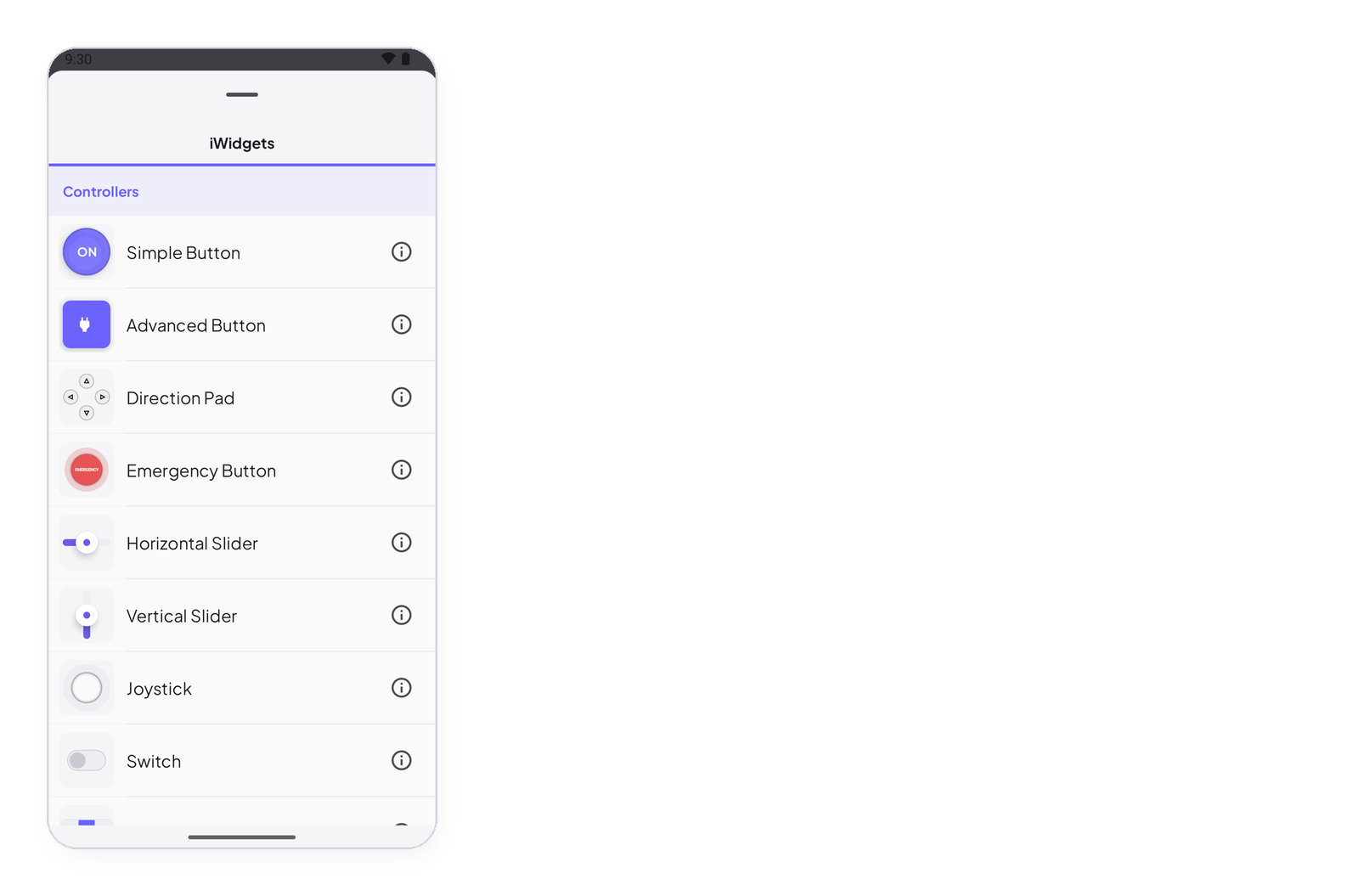
The type decides which widgets accept the signal: a Segmented Switch wants an Integer, a Joystick wants a Text, a Gauge takes any number. Each widget’s page says what it accepts.
Format
Unit, decimals, minimum and maximum are for the dashboard, never for the sketch. The unit is printed after the value; the decimals round it; the minimum and maximum are the ends of every slider, gauge and level on this signal. Set them once here, and every widget on the signal uses them.
History
Under Advanced:
- None — the app keeps the current value only. Nothing is stored; the signal is free.
- Curves — the Cloud keeps minute, hour and day averages: what a chart needs to show the last hour, day or week. Kept 1 week on Free, 3 months on Maker.
- High resolution — every value as it arrives, on top of the curves. Costly; keep it for the signals you really analyse.
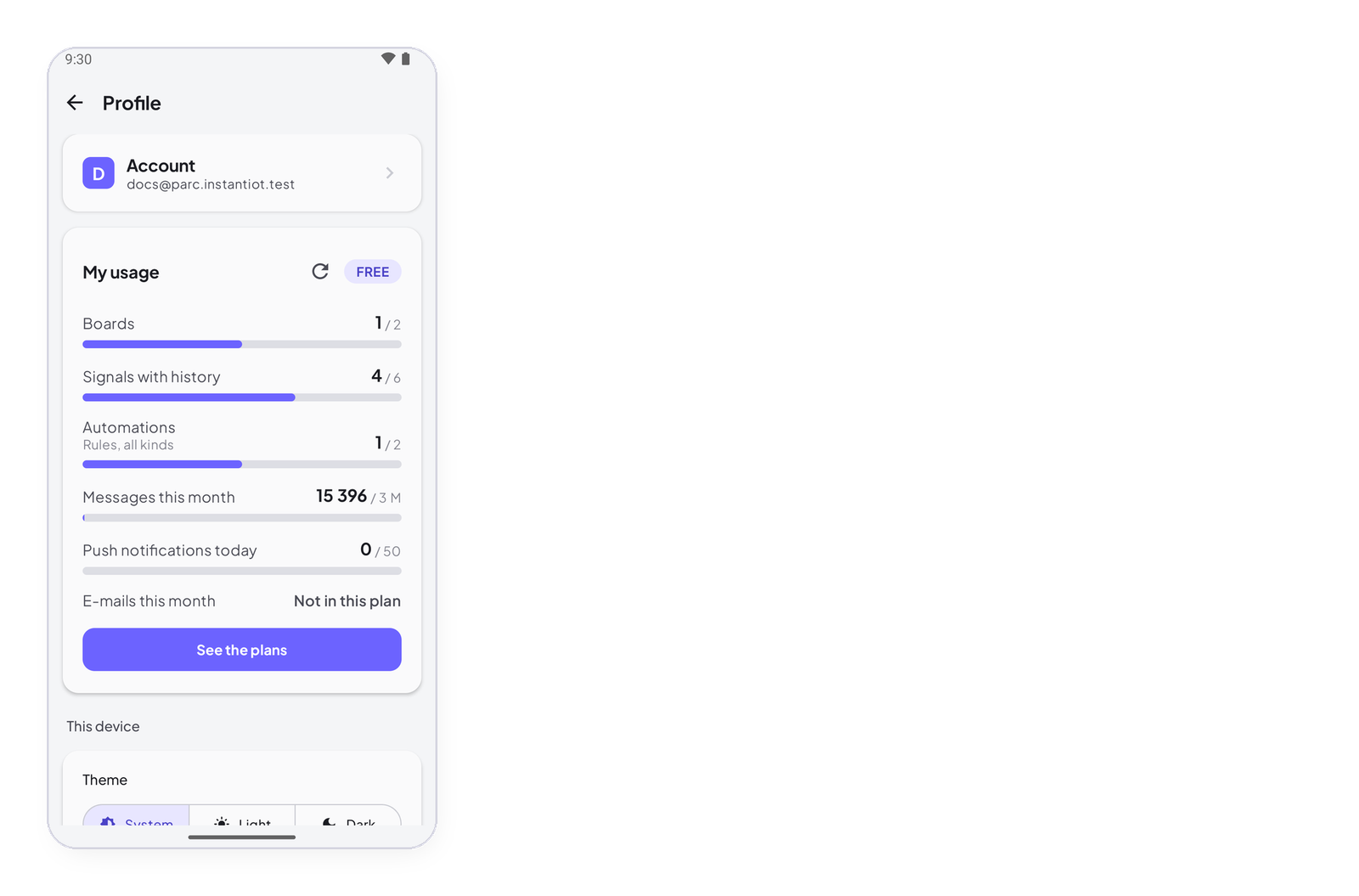
Only signals with a history — Curves or High resolution — count against your plan’s signals with history: 6 on Free, 40 on Maker. Signals with no history are free, in any number.
Restore after a restart
On: when the device reconnects, the Cloud sends it the last value the app set — so a setpoint, a mode, a pump state come back by themselves after a power cut. Off: nothing is sent on reconnect. The device receives a restored value in its ISignal block — Receive any value with ISignal, and restore it after a restart.
Address
The app gives each signal the next free address — I0, I1, I2… — and prints it next to the name. That is the one thing the sketch needs to know: Signals and addresses: how the device and the app agree.