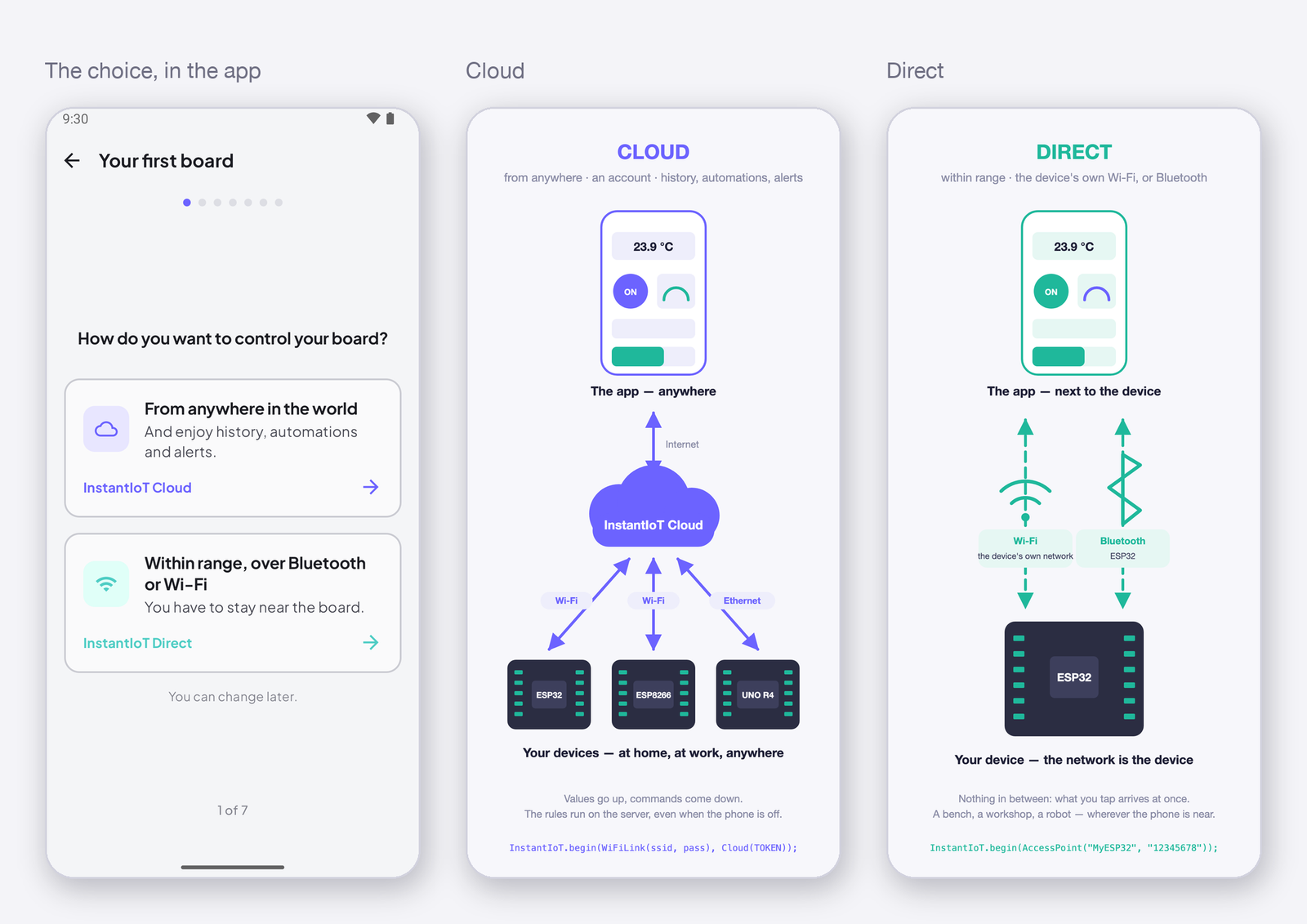
Every InstantIoT project is either a Cloud project or a Direct project, and the app asks you which one the moment you create it. The choice decides where your device sends its data and what the app can do with it — and it is not a big decision, because a project can move from one to the other later. Same app, same widgets, same library: only the begin() line of the sketch changes.
Cloud
Your device connects to InstantIoT Cloud — over your Wi-Fi, or Ethernet on a device that has it — and the app reaches it through the Cloud, from anywhere. The Cloud sits in the middle, always on.
What it is for
- A device that should keep working while you are away or asleep — a greenhouse, a pump, a heater, a freezer.
- Several devices in one project — a house, a workshop, a fleet of sensors — on one dashboard.
- Anything you want to look back on: a temperature over the week, a tank level over the month.
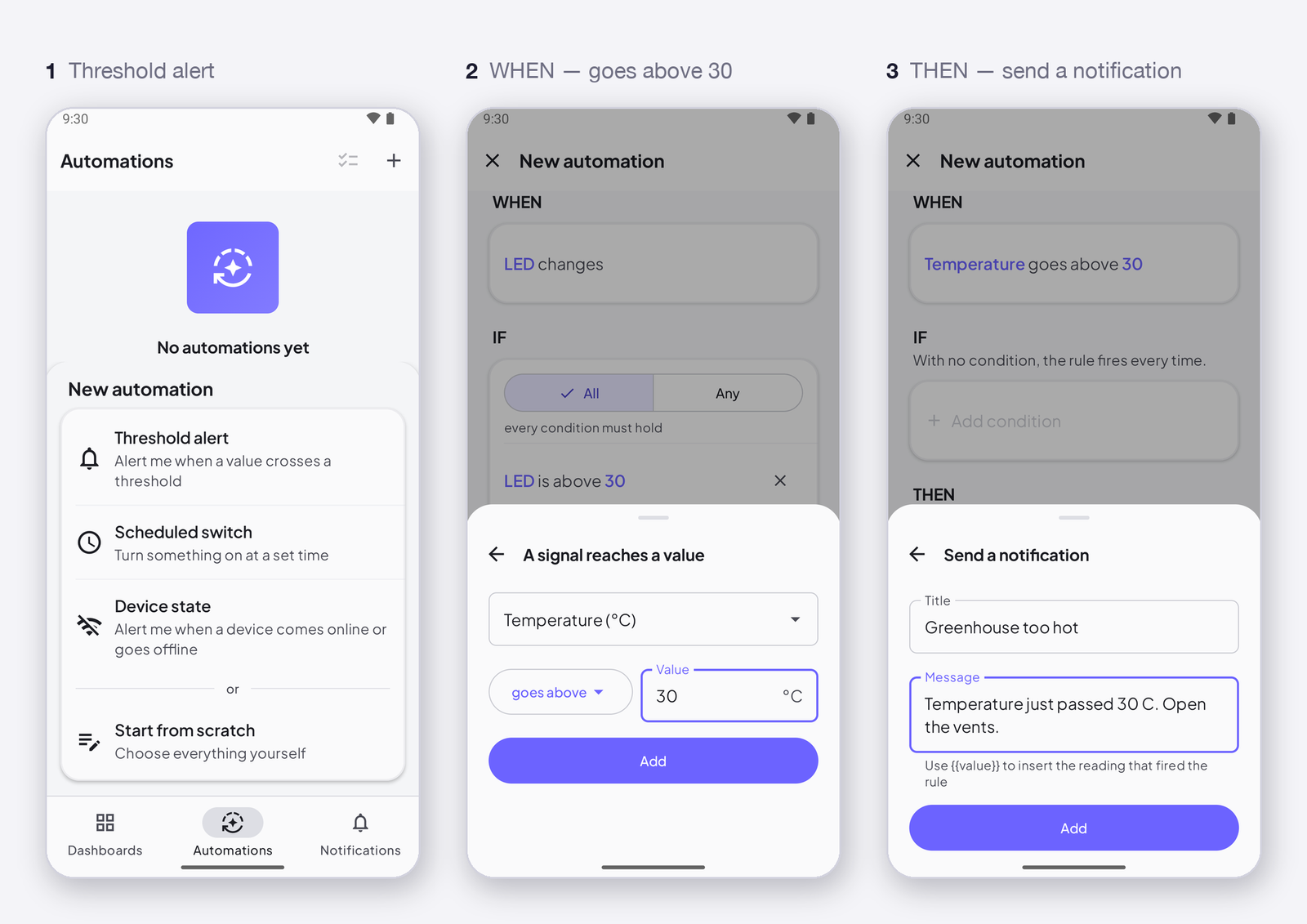
- Anything that should warn you: a threshold crossed, a device gone silent, a set time.
- More than one phone on the same project — the family, the team.
What it gives you
- Access from anywhere with Internet.
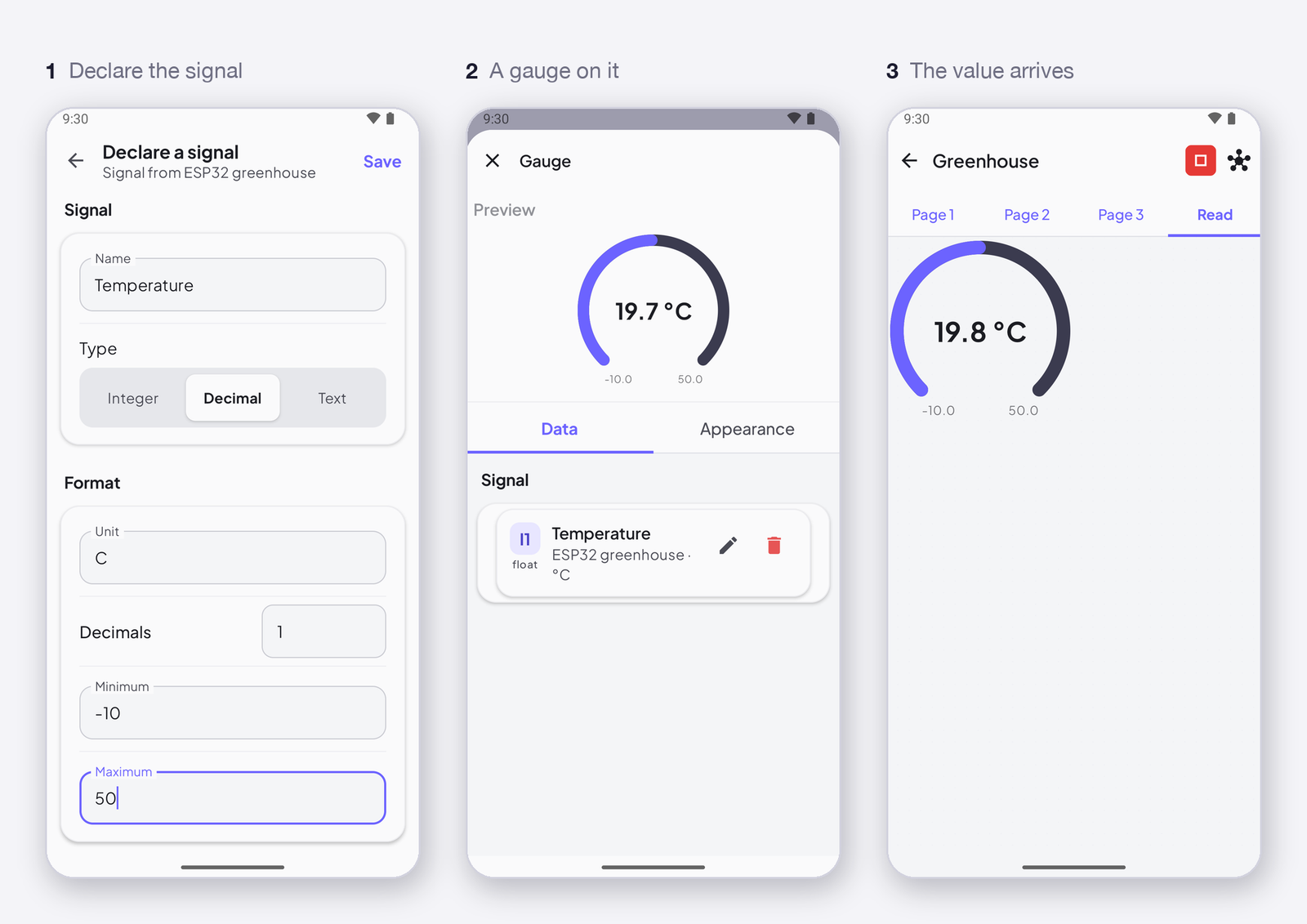
- The history of your signals — minute, hour, day — and the charts that draw it.
- Automations that run on the server, even when the app is closed, and the notifications and e-mails they send.
- The last value of every signal the moment you open the app, and a command kept for a device until it is back online.
- One account, every phone: sign in, and the projects are there.
What to know
- It needs an account — free to start; the plans set how many devices, how much history and how many automations you get (Your account, your plan and your usage).
- The device needs a network with Internet access.
- The sketch carries the device’s token, which the app gives you once when you register it.
→ Quickstart: connect your first device over the Cloud
Direct
Your phone talks straight to the device, over Bluetooth or over the Wi-Fi network the device opens itself. Two pieces, one link.
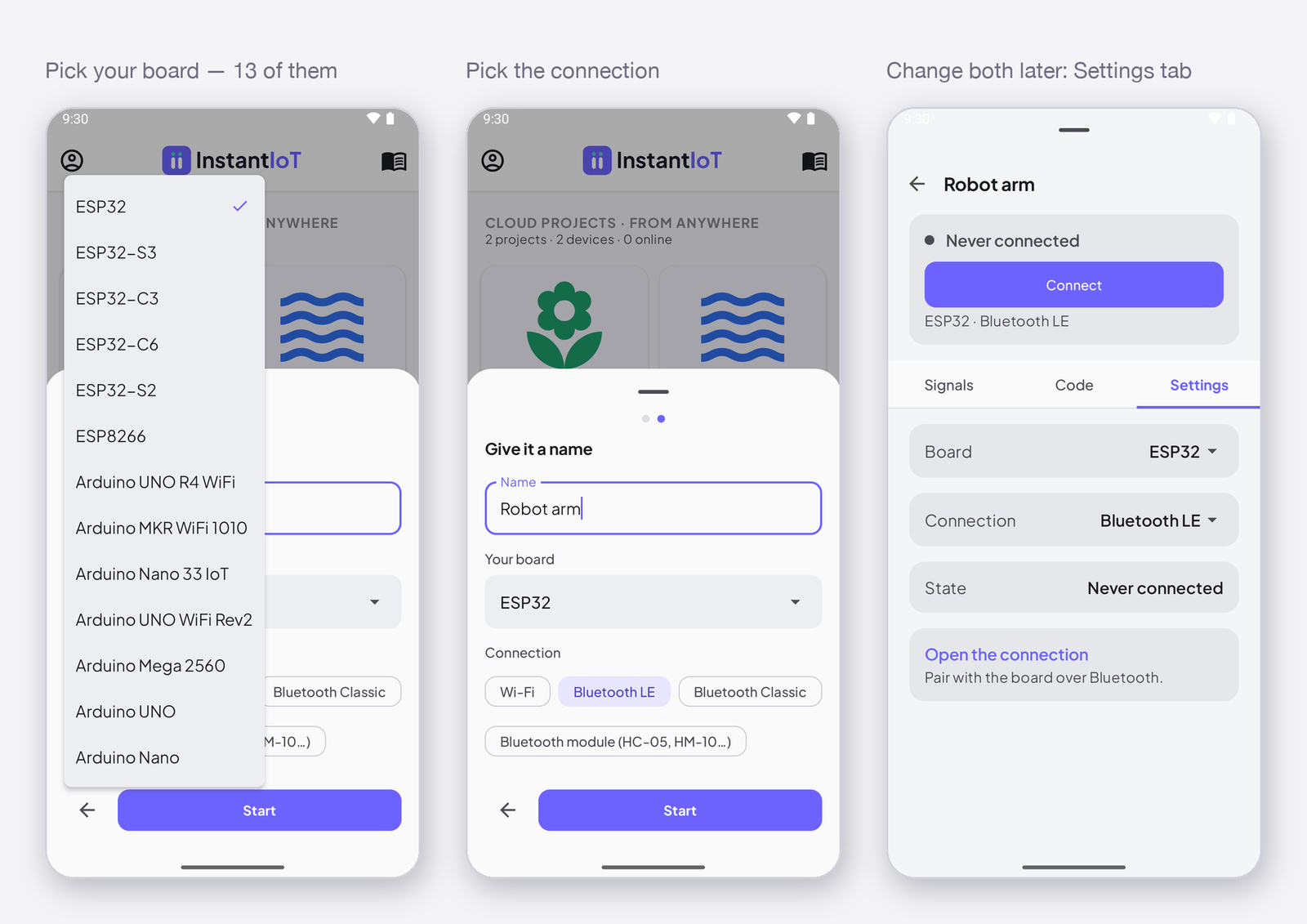
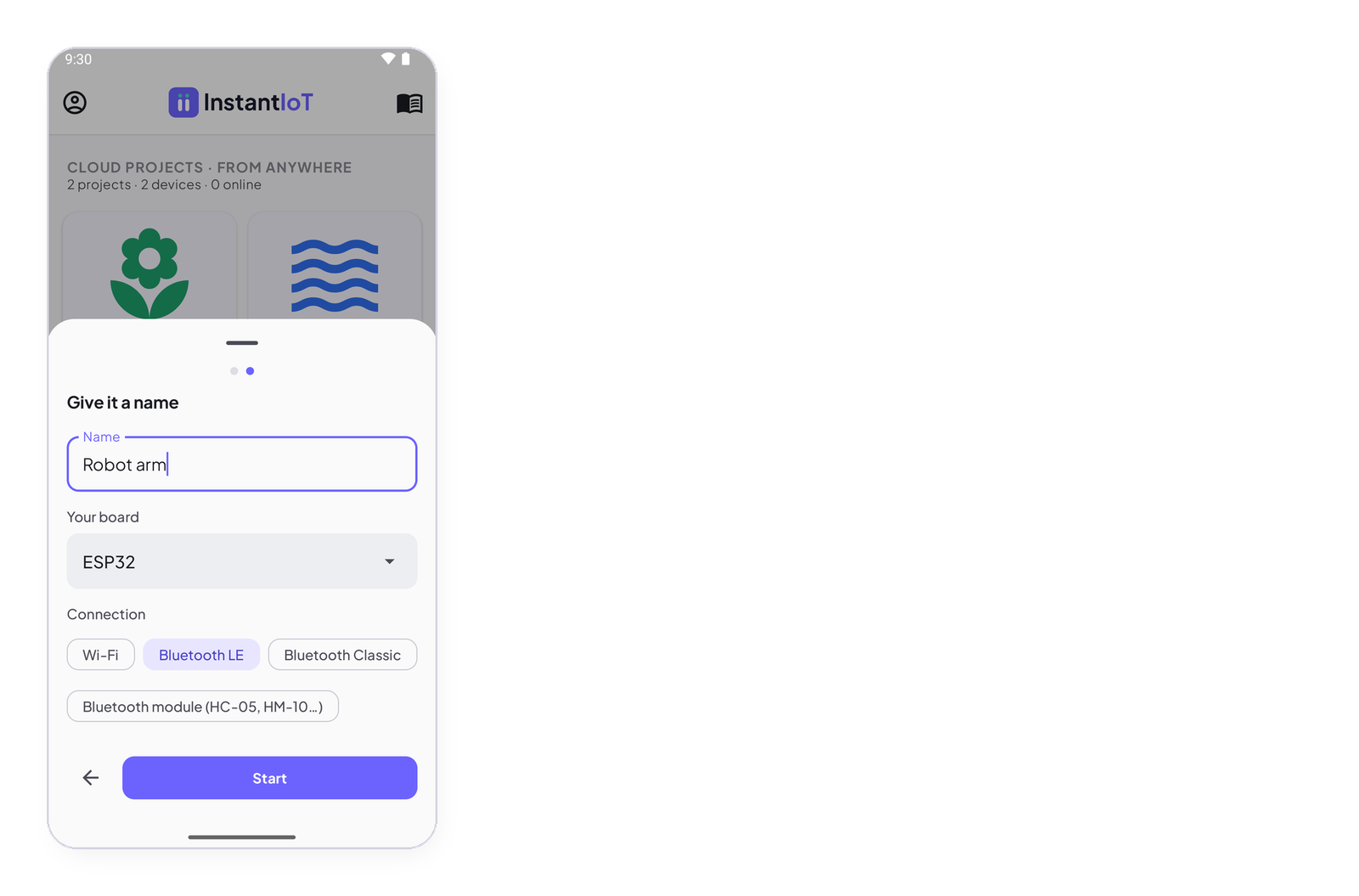
Wi-Fi or Bluetooth — your call, per project. Over Wi-Fi, the device is the network: it opens its own, your phone joins it. Over Bluetooth, three roads, and the library compiles all three: Bluetooth LE built into the ESP32 family (Android and iOS, nothing to pair); Bluetooth Classic built into the original ESP32 (Android only — iOS does not open it to apps; pair in the phone’s settings first); or a Bluetooth module — HC-05, HC-06, HM-10 — on two wires, for any board, including an UNO, a Nano or a Mega that has no radio of its own. You pick the board and the connection when you create the project, and change them later in the device’s Settings tab. → Supported boards · Connect your device
What it is for
- A bench test, the first minutes with a new device, a demo.
- A robot, a rover, a lamp — something you drive while you look at it.
- A device that will never see the Internet, or a place without Wi-Fi.
- A project you want running right away, with nothing to set up.
What it gives you
- Bluetooth or Wi-Fi, straight from the phone to the device — the app and the device are the whole system.
- Thirteen boards, from the ESP32 to a plain UNO with a Bluetooth module (Supported boards).
- The most direct control there is: what you tap arrives at once.
- The same widgets, the same sketch, the same library as the Cloud.
What to know
- It works as far as Bluetooth or the device’s Wi-Fi reaches — a room, a garden, a workshop.
- One phone at a time, one device per project.
- Bluetooth Classic — the ESP32’s built-in one, and HC-05 / HC-06 modules — is Android only. On an iPhone, it is Bluetooth LE, an HM-10 module, or Wi-Fi.
- History, automations and notifications live on the Cloud: move the project there the day you want them.
- Over the device’s own Wi-Fi, your phone leaves your home network while it is connected to the device.
→ Quickstart: connect your first device over Wi-Fi or Bluetooth
The two in one table
| Cloud | Direct | |
|---|---|---|
| Where you can be | anywhere with Internet | next to the device, over Bluetooth or its Wi-Fi |
| Account | yes — free | no |
| What the device needs | Wi-Fi or Ethernet with Internet access | nothing but itself — or a Bluetooth module, on a board with no radio |
| History and charts | yes | no |
| Automations and notifications | yes | no |
| Several phones on one project | yes | one phone at a time |
| Devices per project | 2 on Free · 25 on Maker | one |
| Works while the phone is off | yes — rules run on the server | no |
| Price | Free, or Maker | free |
And a third way: your own server
For people who want everything at home, the open-source InstantIoT Server runs the relay on your own machine or a Raspberry Pi — same app, same library, your network only. It is in beta, for personal projects, and it grows as makers ask for it. → Run your own InstantIoT Server
Moving a project from Direct to Cloud
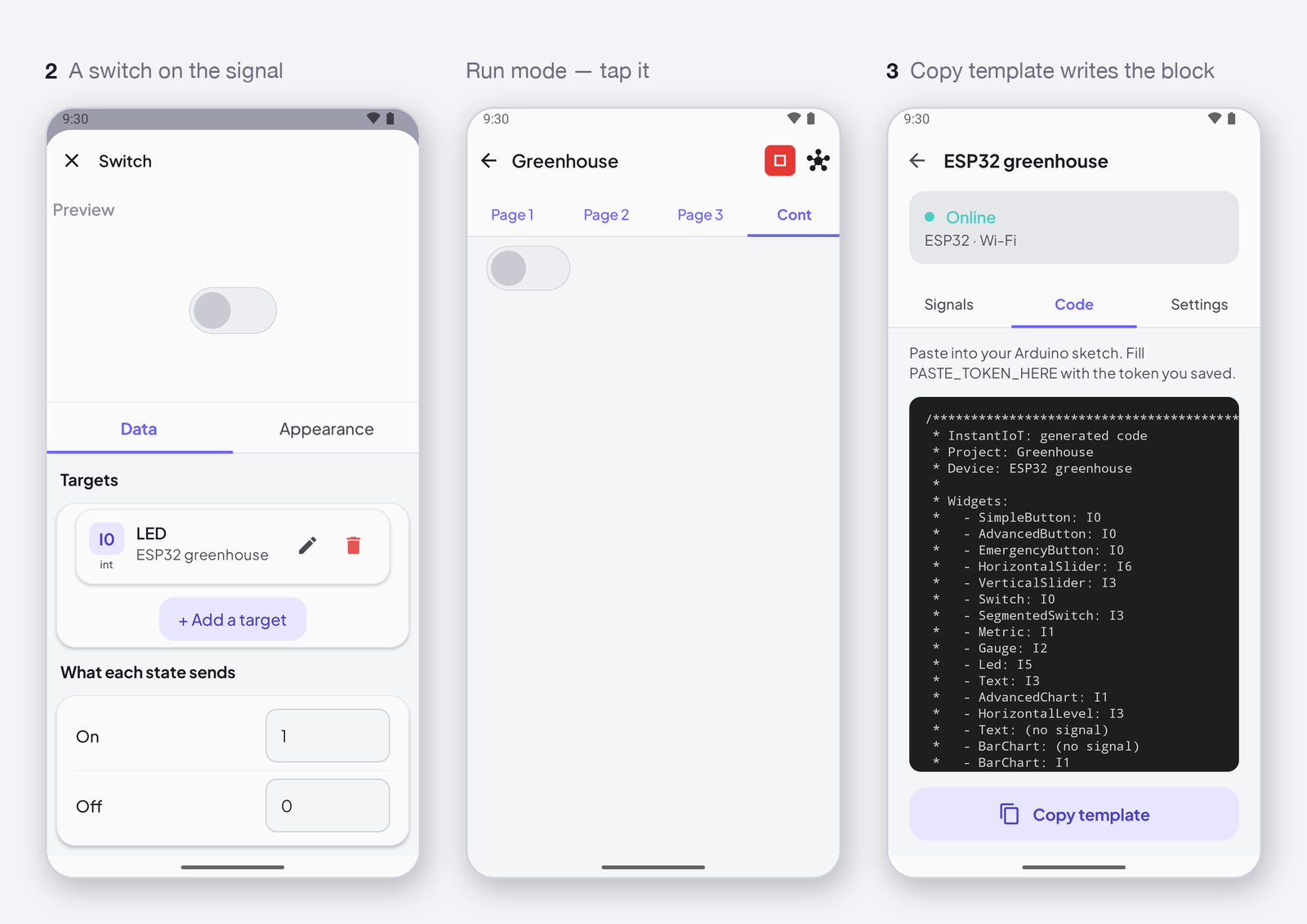
Long-press the project on the home screen → Move to the cloud. A copy goes to your account with its dashboard, its device and its signals; the Direct one stays on the phone as it is. The device gets a new token, so take the sketch again from the copy’s Code tab — its Direct link (AccessPoint(...), BLELink(...), BluetoothLink(...) or SerialLink(...)) has become WiFiLink("ssid", "password"), Cloud(TOKEN) — and upload it. Nothing else changes: the widgets, the signals and the blocks in the sketch are the same. See Connect your device for every connection line.