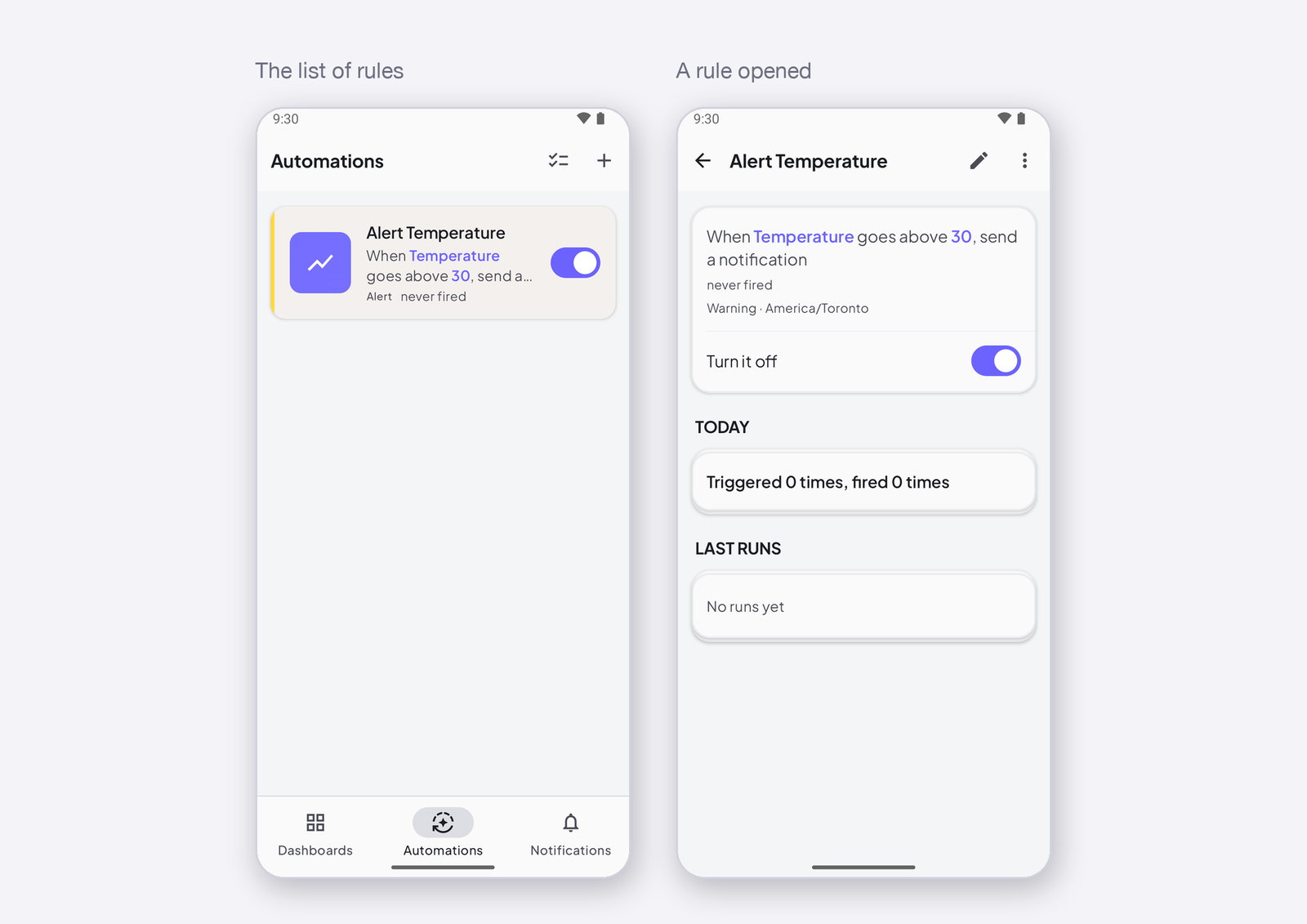
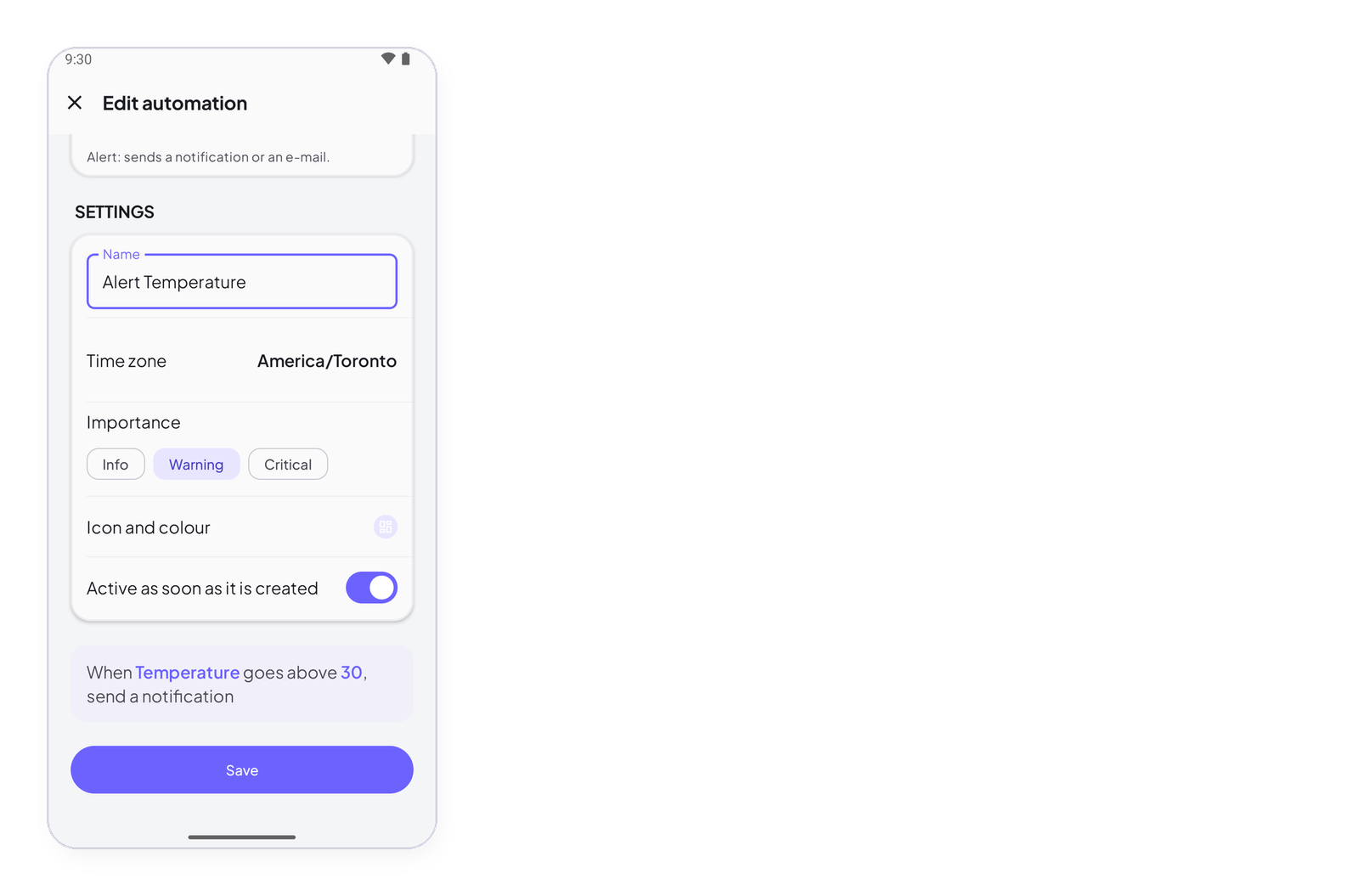
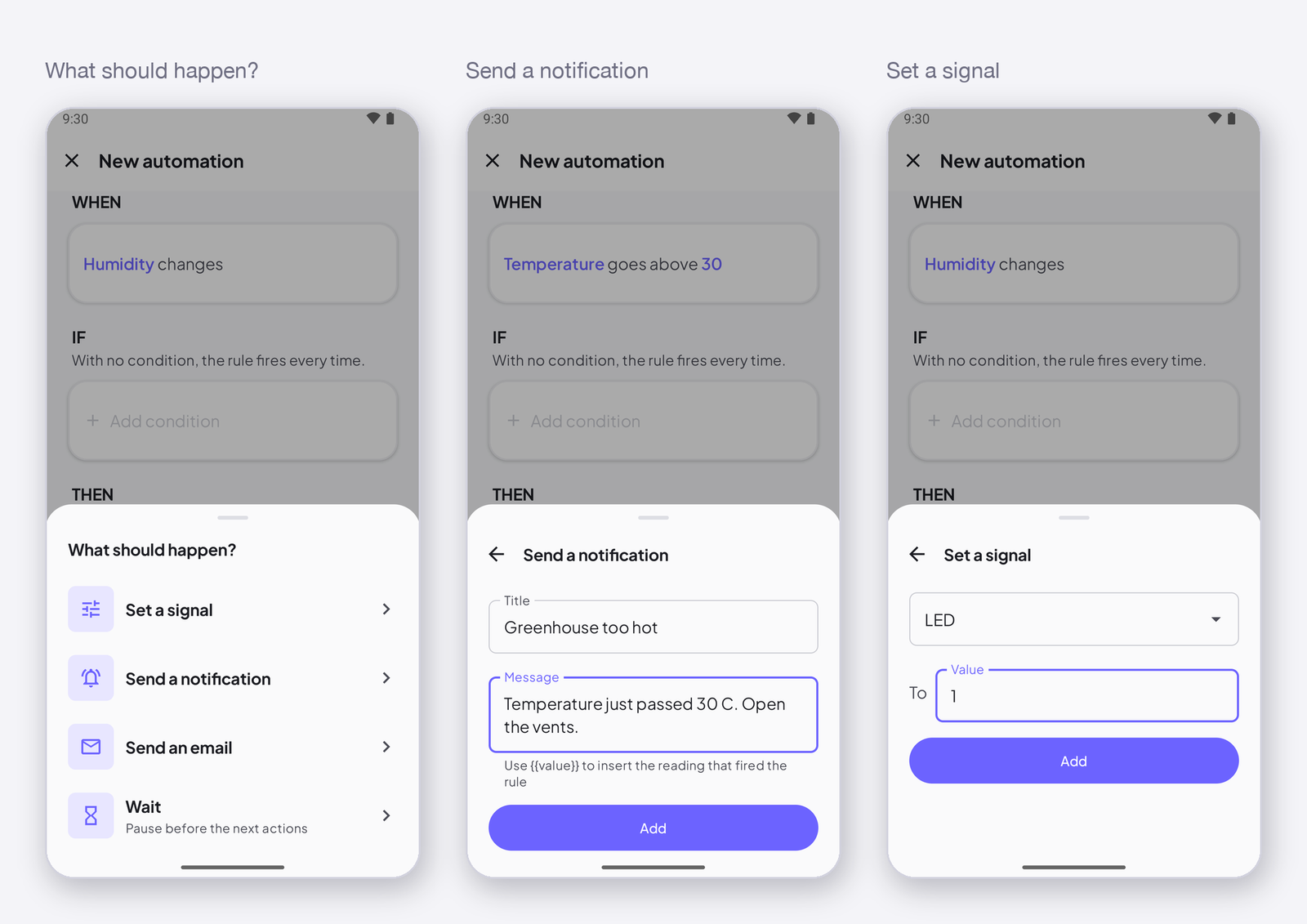
A signal changes is the simplest trigger: the rule runs on every new value the device writes to that signal. This page says when that is what you want, when it is not, and how to write the rule.
What it does
Every time the device writes the signal — even the same value again — the rule’s conditions are checked and, if they hold, the actions run. A device that writes once a second makes the rule run once a second.
When to use it
- To copy a value somewhere else — every reading of Tank level sets a signal on another device.
- With a condition that filters — when Temperature changes, if it is above 30, set the fan to 1: the condition does the selecting, the trigger just keeps the rule awake.
- To log or forward every value.
When not to use it
To be notified when a value crosses a line. When Temperature changes, if it is above 30, notify me sends a push on every reading above 30 — a hundred an hour. For that, use Trigger: when a signal reaches a value: it fires once, when the value gets there.
How to write it
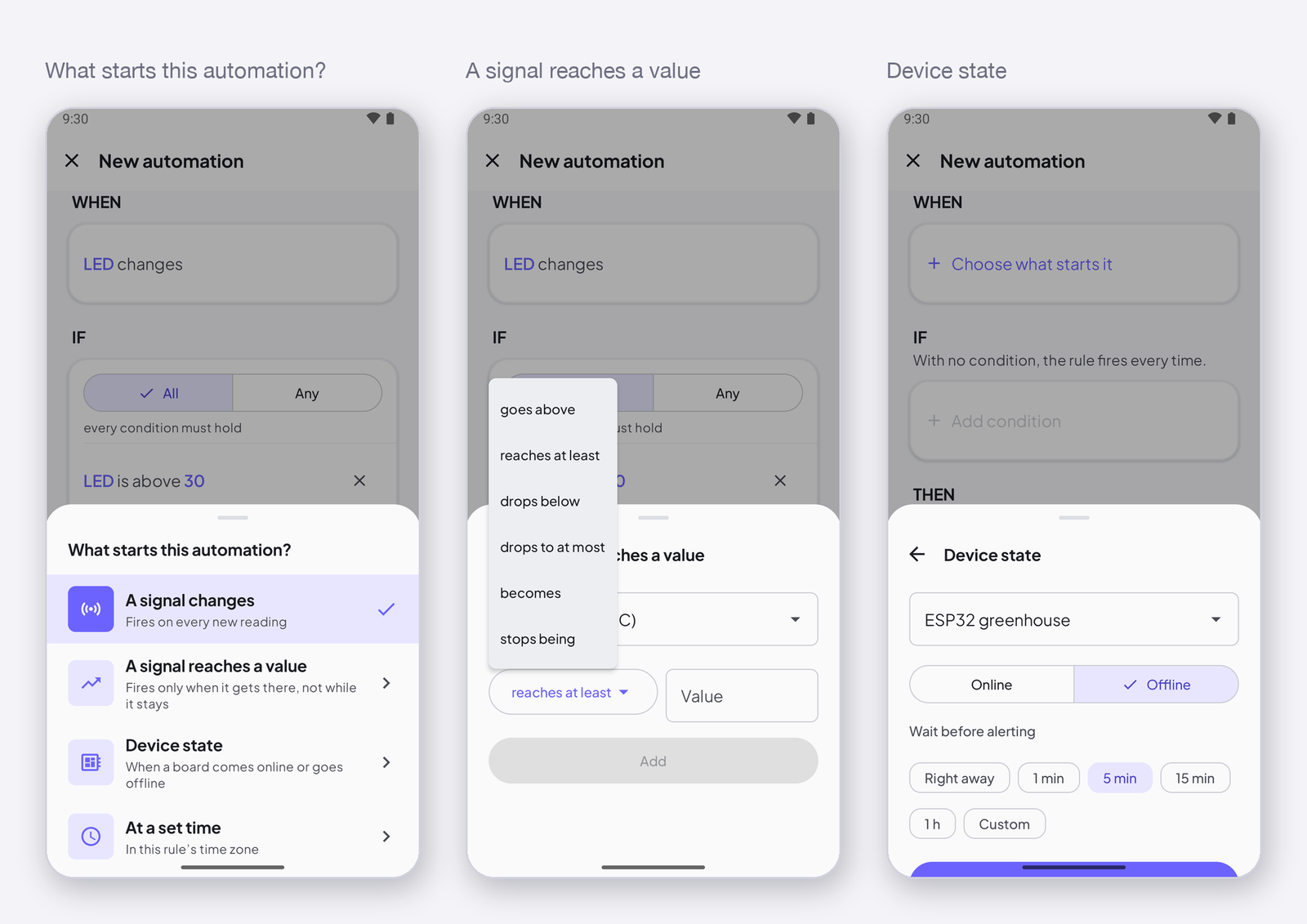
In the editor, tap Choose what starts it under WHEN, then A signal changes. Pick the signal in the list — any type. That is all: the sentence reads When Temperature changes.
Next
→ Trigger: when a signal reaches a value — fires once, at the crossing. → Conditions — what to add so the rule does not fire on every value.