Every widget block — ISwitch, ISimpleButton, IJoystick — is a friendlier way of writing the same thing: a block on an address. ISignal is that thing, and it is also the only block that receives a value the Cloud replays when the device restarts. This page says when to write it instead of a widget block, with a complete thermostat sketch.
How it works
The app never sends « a switch was flipped ». It writes a value to an address — 1 to I3. Your sketch reacts with a block on that address. The library gives you two ways to write it:
ISwitch(I3, bool on)   { digitalWrite(RELAY, on); };   // says what it is: a switch
ISignal(I3, bool on)   { digitalWrite(RELAY, on); };   // says what it does: a bool arrives at I3
Both run the same code when the same value arrives. ISwitch reads like the dashboard; ISignal reads like the wire. The widget blocks exist to make a sketch obvious to read — you see ISegmentedSwitch(I5, int index) and you know what is on the phone. They are not a different mechanism.
The type in the head is what you get, whatever wrote it — four ISignal, four types, one sketch:
#include <InstantIoT.h>

const char* TOKEN = "paste-the-token-the-app-gave-you";
#define RELAY 4
#define PWM   5

ISignal(I3, bool on)         { digitalWrite(RELAY, on ? HIGH : LOW); };     // a switch, or a rule
ISignal(I4, int level)       { analogWrite(PWM, constrain(level, 0, 255)); }; // a slider 0 – 255, or a rule
ISignal(I5, float setpoint)  { target = setpoint; };                          // a slider, a metric tapped, a rule
ISignal(I6, const char* msg) { Serial.println(msg); };                        // a text widget, or a rule's message

void setup() {
    pinMode(RELAY, OUTPUT);
    InstantIoT.begin(WiFiLink("MyWiFi", "secret"), Cloud(TOKEN));
}

void loop() { InstantIoT.loop(); }
Before you go on. Declare the signal in the app first, with the right type. The device is the only place that knows what an address holds: the type you write in the block (
bool,int,float,const char*) is a promise about what the app declared.
When to write ISignal instead
1. A value that must survive a restart. A setpoint, a pump that was on, a mode. With Restore after a restart on the signal, the Cloud sends the last value again the moment the device reconnects — and it is the ISignal block that runs. A widget block does not: ISimpleButton would invent a press nobody made; ISwitch is a gesture block too. If you want yesterday’s setpoint back on Wednesday morning, the block on that address is ISignal.
float setpoint = 19.0f;

ISignal(I5, float target) {      // runs when the slider moves — and again on every reconnect
    setpoint = target;
};
2. A value that does not come from a widget. A rule that sets a signal at 7 pm (Everything a rule can do), another device, the API: nobody touched a control, so there is no gesture, only a value. ISignal is the block that does not care where it came from.
// I7 · Integer · "Mode" — 0 off, 1 eco, 2 comfort.
// A segmented switch on the dashboard writes it by hand; a rule writes it at 7 pm and at 11 pm.
// The device does not know which, and does not need to.
const int TARGETS[3] = { 0, 17, 21 };
int mode = 0;

ISignal(I7, int m) {
    if (m < 0 || m > 2) return;
    mode   = m;
    target = TARGETS[m];
    InstantIoT.write(I8, TARGETS[m]);          // echo the setpoint the device really holds
};
3. One address, several readers. Several blocks may watch one address. A widget block for the gesture, an ISignal for the state, a log in onSignalWritten for everything:
// I3 · Boolean · "Pump" — a switch on the dashboard, Restore after a restart: on
ISwitch(I3, bool on) {                          // the gesture: a finger flipped it — sound the buzzer
    tone(BUZZER, 880, 100);
};

ISignal(I3, bool on) {                          // the state: flipped now, or restored at boot — drive the relay
    digitalWrite(RELAY, on ? HIGH : LOW);
};

void onSignalWritten(const SignalEvent& e) {   // every write, every address — the catch-all, before the blocks
    Serial.print("I"); Serial.print(e.address);
    Serial.print(" = "); Serial.println((float)e.value);
}
After a restart the relay closes again (ISignal ran on the restore) and the buzzer stays quiet (ISwitch did not): the same address, two blocks, each with its own reason to run.
A complete sketch — a thermostat, both directions
The device publishes what it measures and obeys what is written to it. Unplug it, plug it in tomorrow: the ISignal(I5, …) block starts again with yesterday’s setpoint, with nobody opening the app and nothing written to EEPROM.
#include <InstantIoT.h>

const char* WIFI_SSID    = "MyWiFi";
const char* WIFI_PASS    = "MyPassword";
const char* DEVICE_TOKEN = "PASTE_TOKEN_HERE";

#define SENSOR_PIN 34
#define PUMP_PIN   4

float        setpoint = 19.0f;
InstantTimer timers;

// I5 · Decimal · "Setpoint" · Restore after a restart: ON
ISignal(I5, float target) {
    setpoint = target;
};

// I6 · Integer · "Pump" · a switch on the dashboard, restored too
ISignal(I6, bool running) {
    digitalWrite(PUMP_PIN, running ? HIGH : LOW);
};

// I0 · Decimal · "Temperature" · a gauge and a chart read it
void publishMeasurement() {
    float volts = analogRead(SENSOR_PIN) * 3.3f / 4095.0f;
    InstantIoT.write(I0, volts * 100.0f);
}

void setup() {
    pinMode(PUMP_PIN, OUTPUT);
    InstantIoT.begin(WiFiLink(WIFI_SSID, WIFI_PASS), Cloud(DEVICE_TOKEN));
    timers.every(2000, publishMeasurement);
}

void loop() {
    InstantIoT.loop();
    timers.run();
}
A state is restored, a gesture is not. That is the whole rule. Buttons and pads are gestures:
WHEN_PRESSEDruns when someone presses, never on reconnect. Sliders, switches, selectors, text are states: put the block onISignaland turn on Restore after a restart if the device must find its state again by itself.
Where next
- Control your device from your phone — the widget blocks, one by one.
- React to the app — every block, every
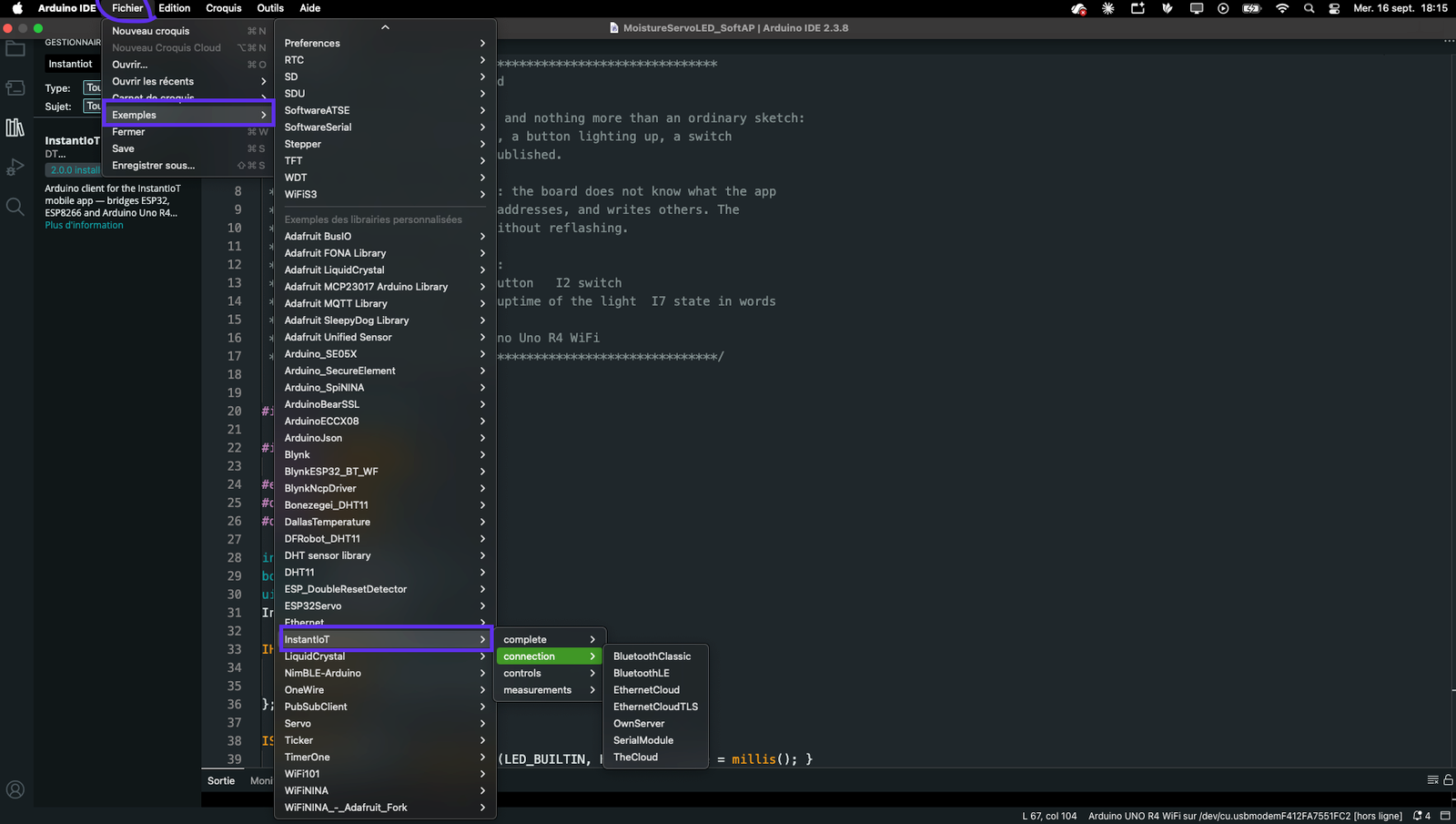
WHEN_clause. - File → Examples → InstantIoT → complete → Thermostat in the Arduino IDE: this sketch, ready to upload.