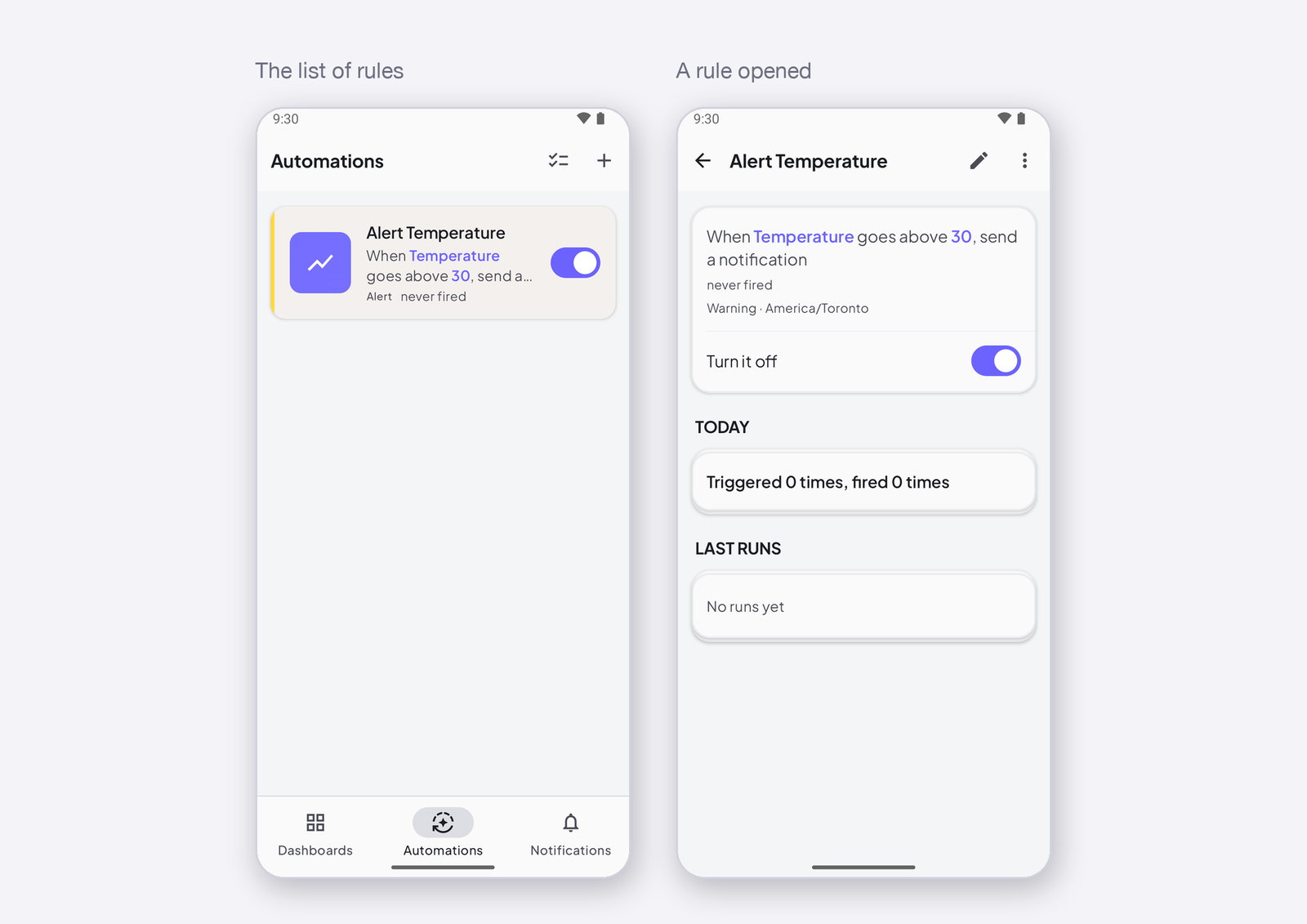
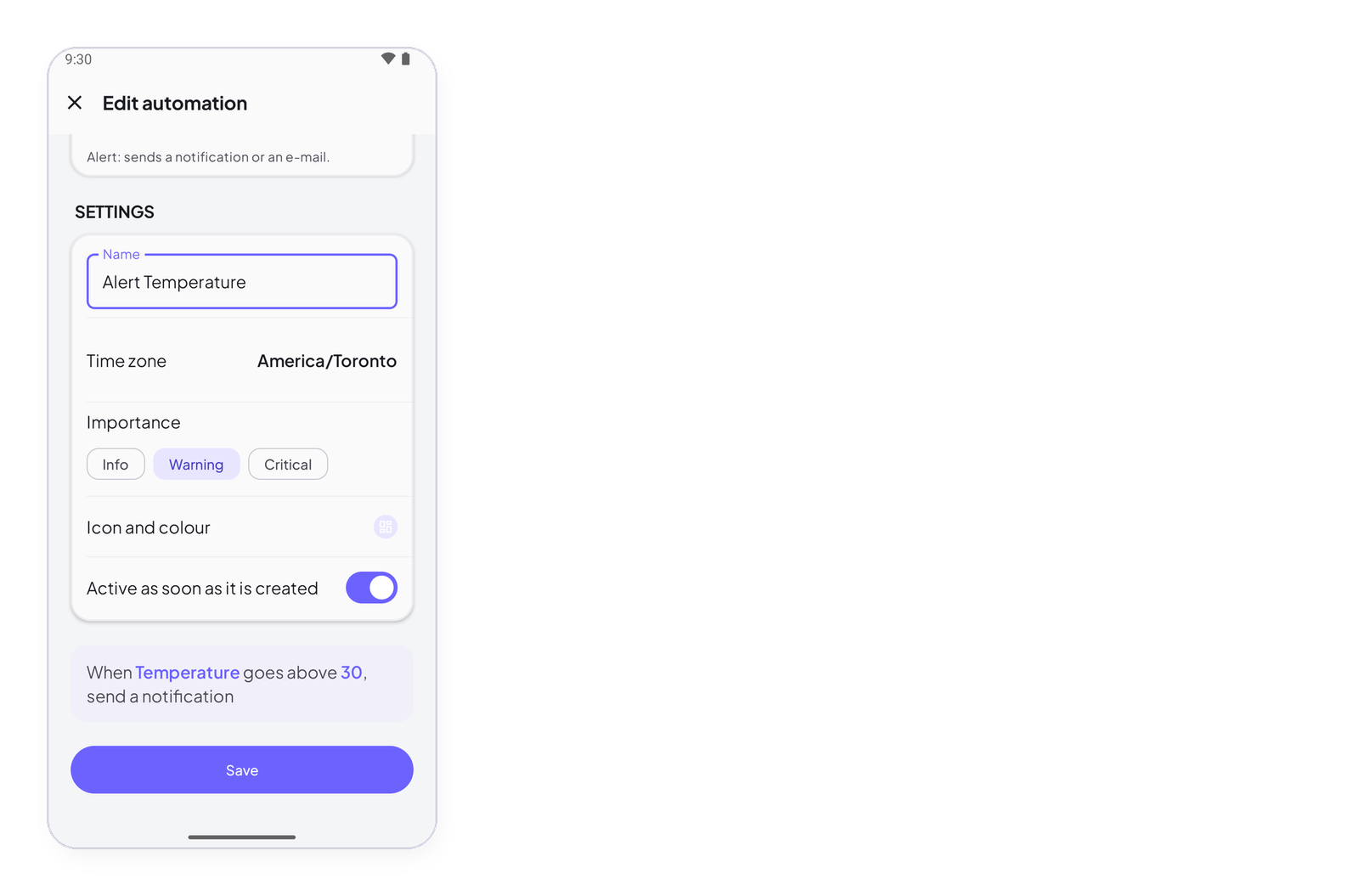
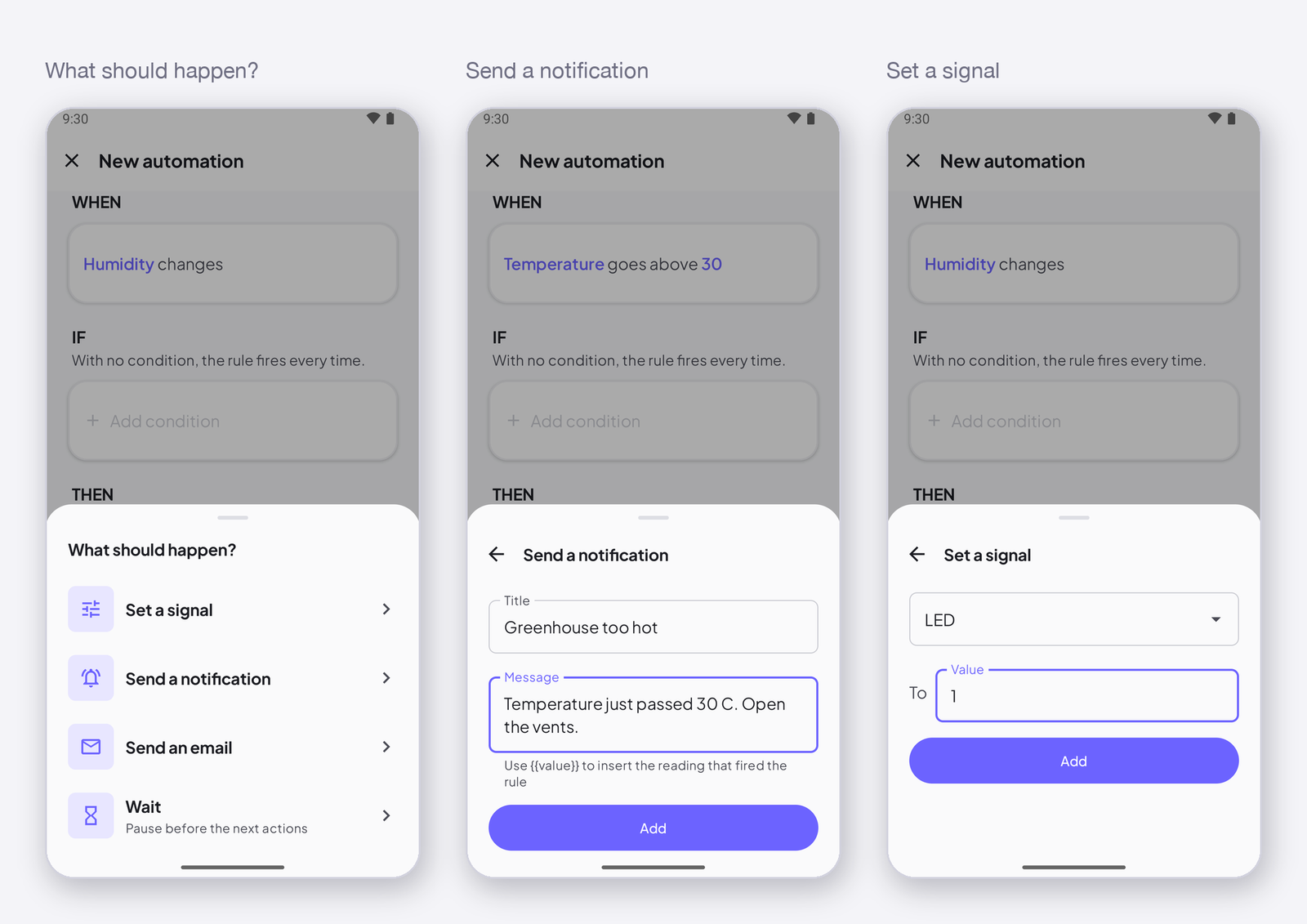
A signal reaches a value is the trigger for alerts: it fires at the crossing — the moment the value goes above 30 — and not again while it stays there. This page lists the six operators, explains why the rule does not fire twice, and shows the rule for a threshold alert.
What it does
The rule remembers the last value. It fires only when the new value crosses the line in the direction you chose — from below 30 to above 30 — and stays quiet until the value has gone back and crosses again. A greenhouse at 31 °C all afternoon gives one notification, at the crossing, not two hundred.
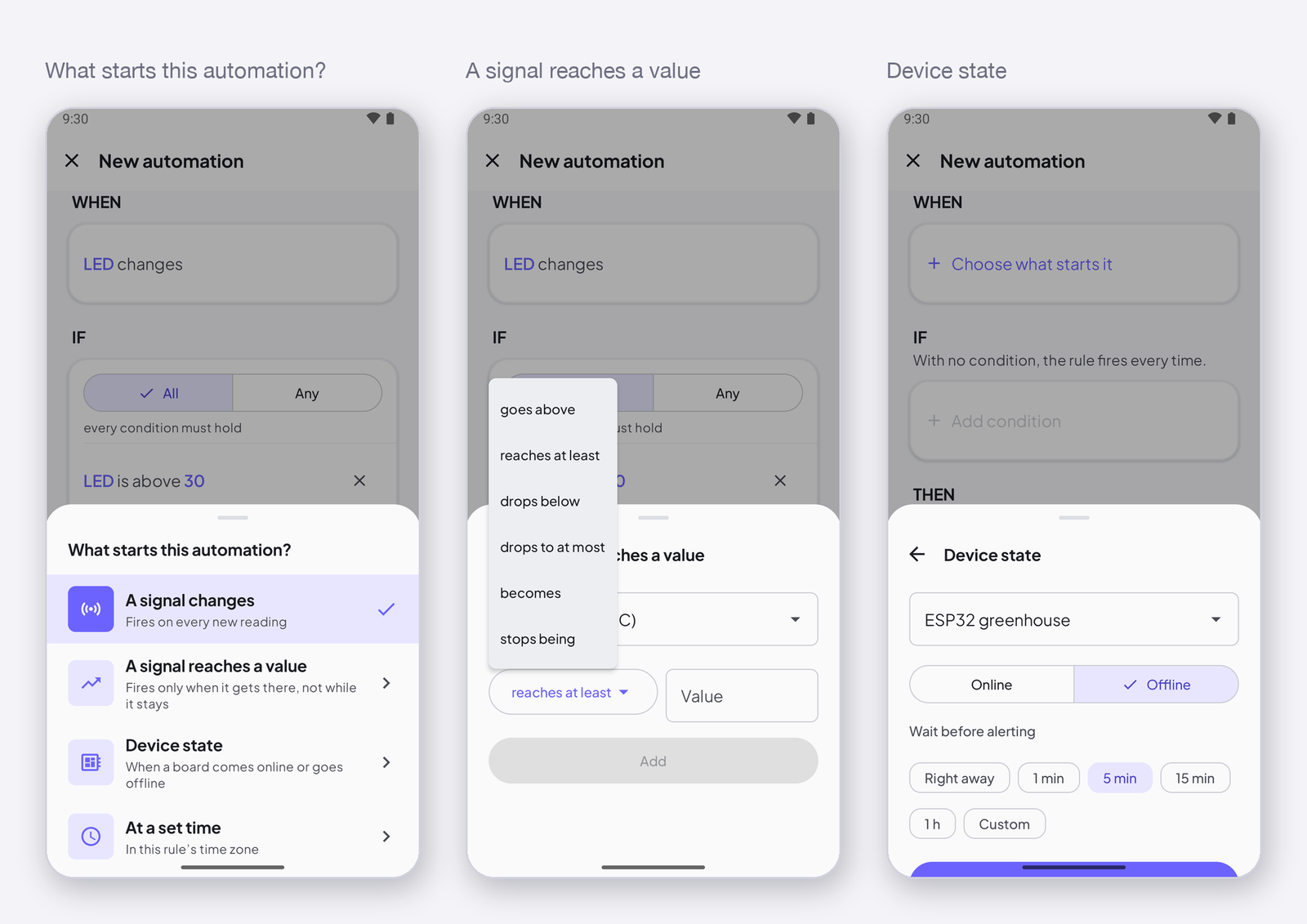
The six operators
| Operator | Fires when the value… |
|---|---|
| goes above | was at or below the number, and is now above it |
| reaches at least | was below the number, and is now at or above it |
| drops below | was at or above the number, and is now below it |
| drops to at most | was above the number, and is now at or below it |
| becomes | was different, and is now equal to the number (an Integer or Text signal: a state, a mode) |
| stops being | was equal to the number, and is now different |
goes above and reaches at least differ only at the number itself: 30 exactly is at least 30, not above 30.
How to write it
In the editor, tap Choose what starts it under WHEN, then A signal reaches a value. Pick the signal, the operator, and type the number. The sentence reads When Temperature goes above 30.
A device that comes back is not an alert. A device offline for an hour sends its last value again when it reconnects. If that value was 31, the rule fires for something that happened an hour ago. Add a condition — IF the device is online — and the rule only fires on live readings. The Threshold alert template does not add it for you.
Next
→ Actions: send a notification, send an e-mail, set a signal, wait. → The worked example: Get notified when a value crosses a threshold.