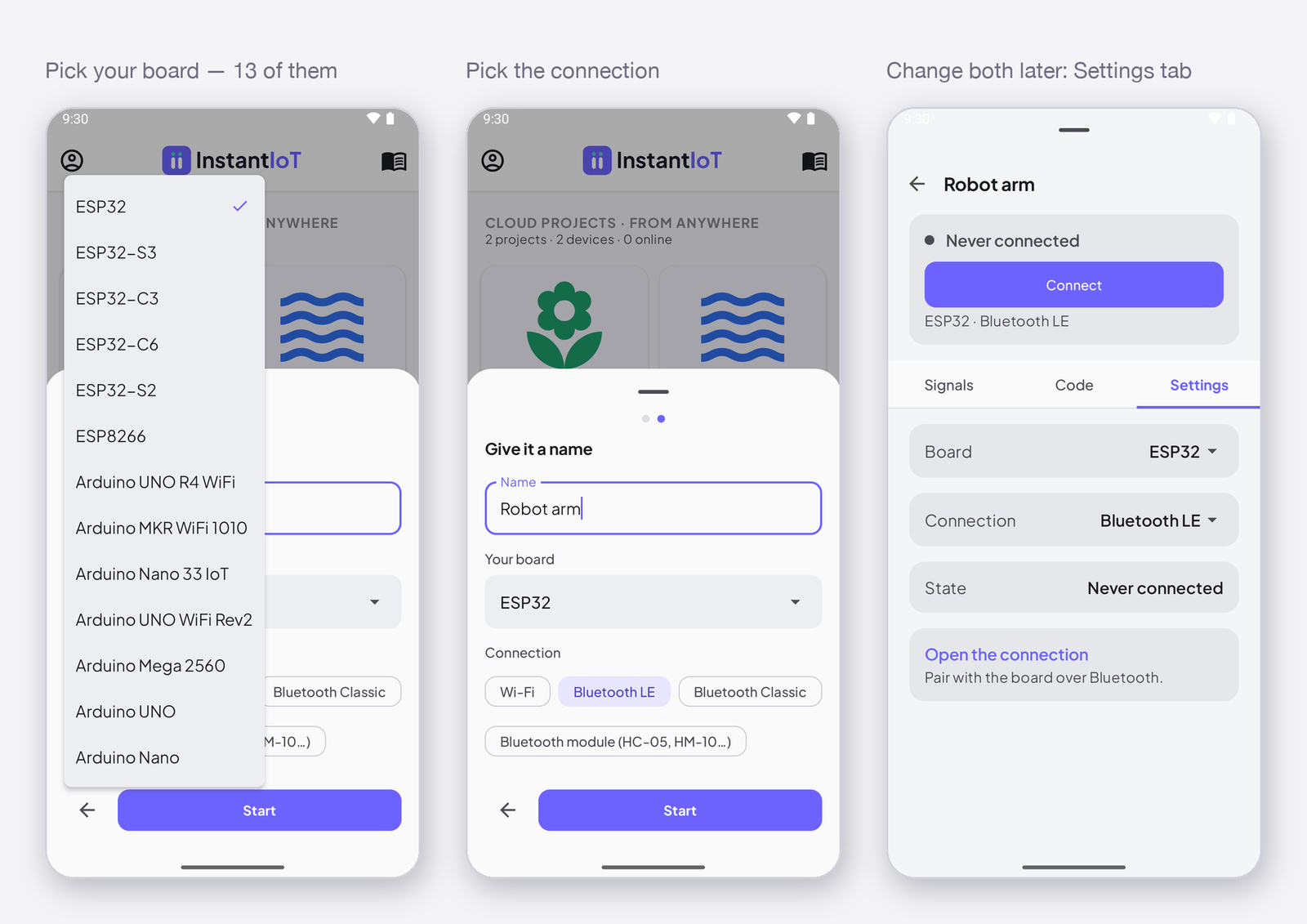
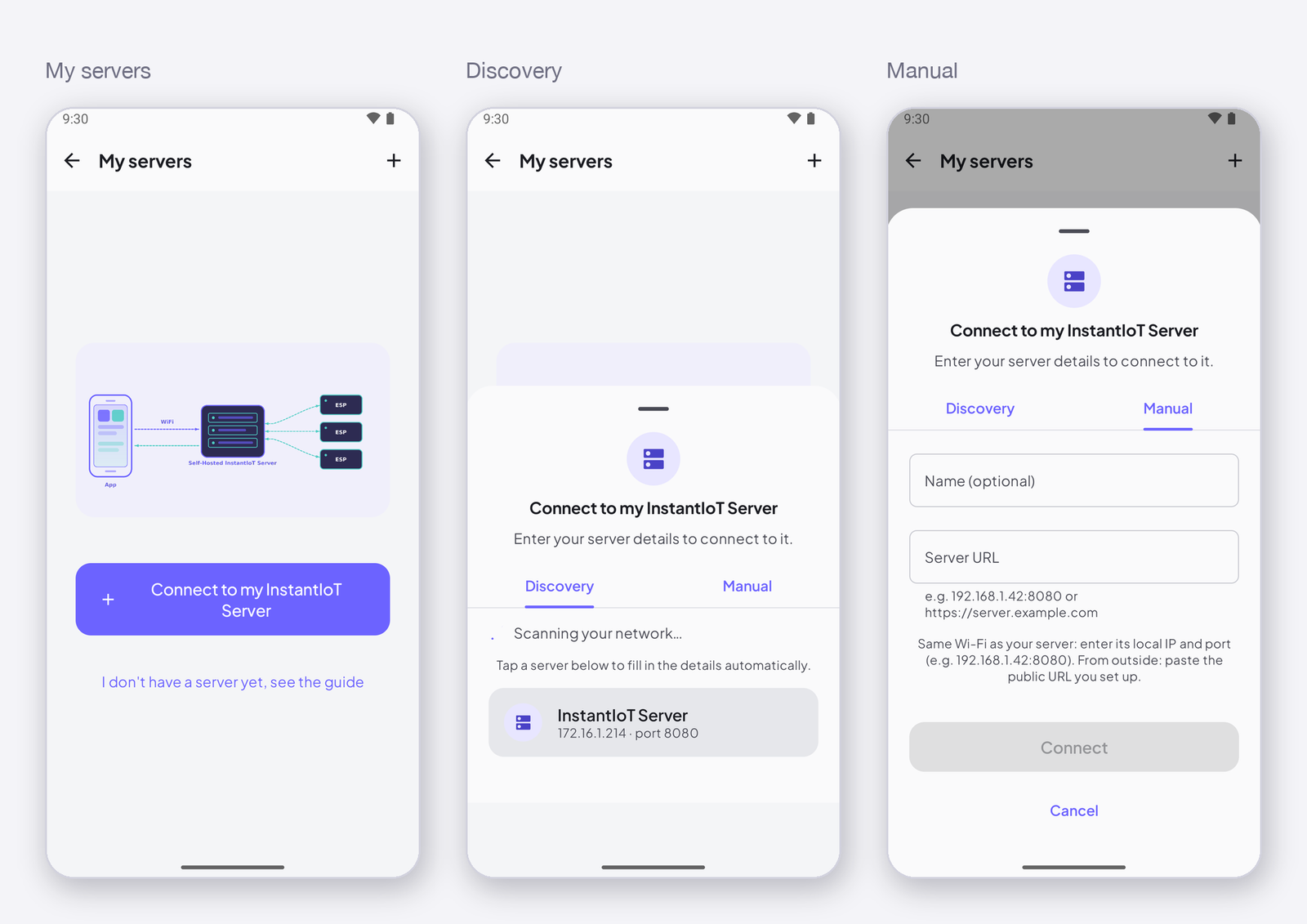
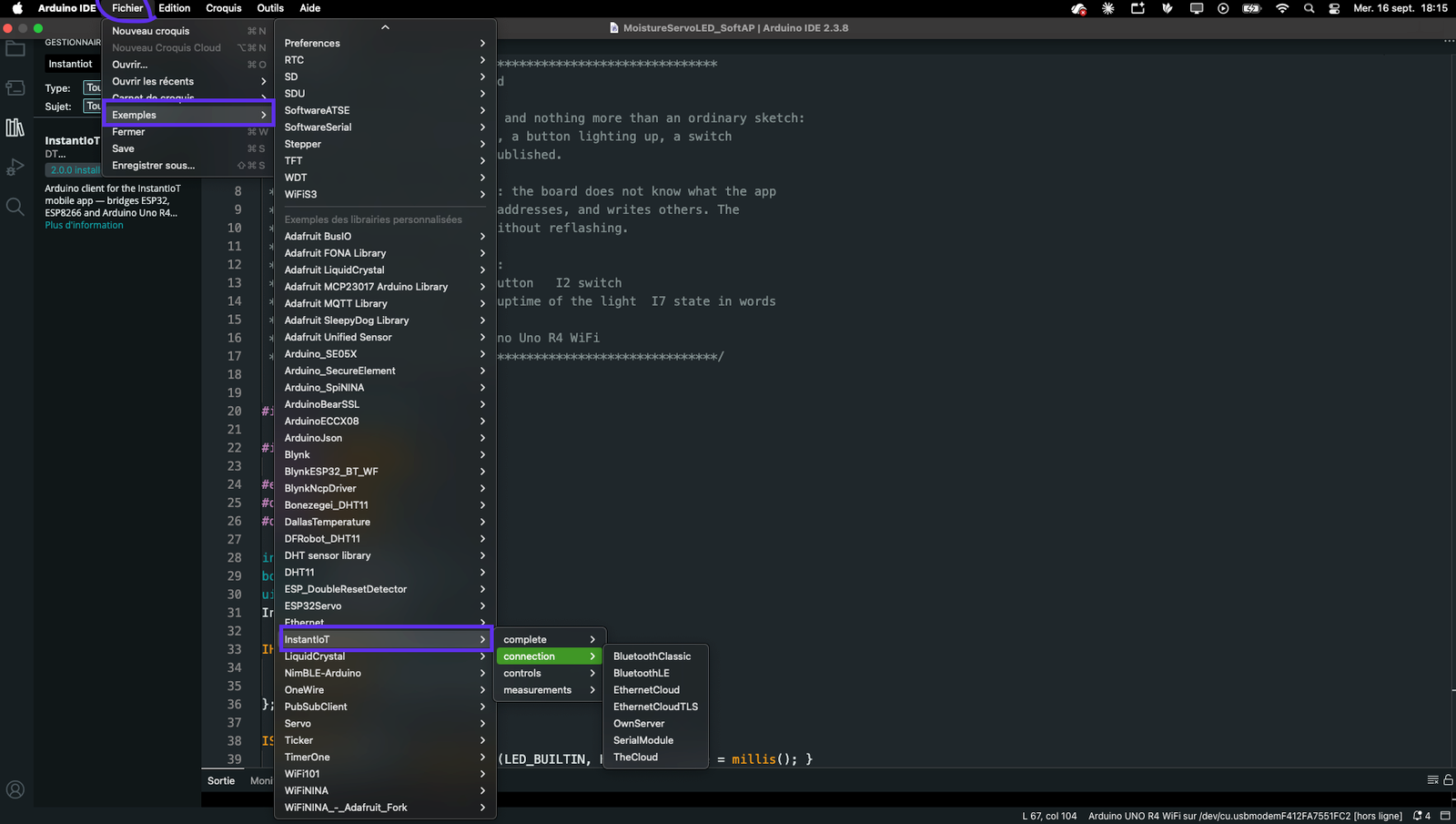
Version 2.0 of the library replaced widget identifiers with addresses, one begin() line with a link and a destination, and the private server with the Cloud as the default path. This page lists what changed, with a 1.x line and its 2.0 line side by side, and turns a complete 1.x sketch into a 2.0 sketch at the end.
The 1.x library named widgets in the sketch — instant.gauge("temp1") — and carried one class per transport. 2.0 names addresses — I0, I1, like A0 — and one object, InstantIoT, that takes the link in begin(). A 1.x sketch does not compile as is; the changes are mechanical, and the compiler names each one.
One object, one begin()
1.x picked the transport by the header and the class; 2.0 picks it by the argument of begin(), and the header is always the same.
| 1.x | 2.0 |
|---|---|
#include <InstantIoTWiFiAP.hpp> + InstantIoTWiFiAP instant("MyESP32", "12345678"); + instant.begin(); |
#include <InstantIoT.h> + InstantIoT.begin(AccessPoint("MyESP32", "12345678")); |
#include <InstantIoTWiFiServer.hpp> + InstantIoTWiFiServer instant("192.168.1.42", 9001, TOKEN); + instant.begin("MyWiFi", "secret"); |
InstantIoT.begin(WiFiLink("MyWiFi", "secret"), MyServer("192.168.1.42", TOKEN)); |
| (no Cloud in 1.x) | InstantIoT.begin(WiFiLink("MyWiFi", "secret"), Cloud(TOKEN)); |
#include <InstantIoTBluetoothESP32SPP.hpp> + InstantIoTBluetoothESP32SPP instant("MyESP32"); |
InstantIoT.begin(BluetoothLink("MyESP32")); |
#include <InstantIoTBluetoothBLE.hpp> + InstantIoTBluetoothBLE instant("MyESP32"); |
#include <NimBLEDevice.h> before <InstantIoT.h>, then InstantIoT.begin(BLELink("MyESP32")); |
#include <InstantIoTSerial.hpp> + InstantIoTSerial instant(10, 11); |
InstantIoT.begin(SerialLink(10, 11)); — or SerialLink(Serial1) on a board with a spare UART |
instant.setHeartbeat(5000); before begin() |
Cloud(TOKEN).heartbeatEvery(5000) — on the destination |
instant.loop(); |
InstantIoT.loop(); |
instant.connected() · instant.getIP() |
InstantIoT.connected() — the same; getIP() is gone, the IP is on the Serial monitor at boot |
// 1.x
#include <InstantIoTWiFiServer.hpp>
InstantIoTWiFiServer instant("192.168.1.42", 9001, "DEVICE_TOKEN");
void setup() { instant.setHeartbeat(5000); instant.begin("MyWiFi", "secret"); }
void loop()  { instant.loop(); }

// 2.0
#include <InstantIoT.h>
void setup() { InstantIoT.begin(WiFiLink("MyWiFi", "secret"), MyServer("192.168.1.42", "DEVICE_TOKEN")); }
void loop()  { InstantIoT.loop(); }
Displays: one write() instead of one method per widget
In 1.x the device knew the widget — gauge, metric, chart — and called its method. In 2.0 the device writes a value to an address, and the app decides what shows it. The same value feeds a gauge, a chart and a rule at once, with one line.
| 1.x | 2.0 |
|---|---|
instant.gauge("temp").setValue(v) |
InstantIoT.write(I0, v) |
instant.metric("m1").setValue(v) |
InstantIoT.write(I0, v) — the same address if it is the same measure |
instant.chart("c1").addPoint("default", v) |
InstantIoT.write(I0, v) — the history is kept by the Cloud, not sent by the device |
instant.hLevel("lv").update(v, 0, 100) · instant.vLevel(...) |
InstantIoT.write(I1, v) — min and max are set on the signal, in the app |
instant.barChart("b").setBar(0, v) · setValues(values, n) |
one address per bar: InstantIoT.write(I2, v0); InstantIoT.write(I3, v1); |
instant.led("led").setColor(r, g, b).setBrightness(80) |
InstantIoT.write(I4, isOn) — colours belong to the widget, in the app |
instant.text("t").setText("Hello") |
InstantIoT.write(I5, "Hello") — 48 characters at most |
IGauge("temp1") { ... } and the other display blocks |
(nothing — a display has no block; the widget is the app’s business) |
// 1.x — three widgets, three calls, three names to keep in step with the dashboard
void sendSensorData() {
    if (!instant.connected()) return;
    instant.gauge("temp").setValue(temperature);
    instant.metric("metric1").setValue(temperature);
    instant.chart("chart1").addPoint("default", temperature);
}

// 2.0 — one measure, one address; put a gauge, a metric and a chart on I0 in the app
void sendSensorData() {
    InstantIoT.write(I0, temperature);
}
Controls: the value in the block’s head
The I<Widget> blocks stay, at file scope, with a WHEN_ clause for each gesture. What changes: the widget is named by an address, not a string; a block ends with ;; and a control that carries a value — a slider, a switch, a joystick — declares it as a parameter instead of a WHEN_…(v) clause.
| 1.x | 2.0 |
|---|---|
ISimpleButton("btn") { WHEN_PRESSED { } WHEN_RELEASED { } WHEN_LONG_PRESSED { } } |
ISimpleButton(I0) { WHEN_PRESSED { } WHEN_RELEASED { } WHEN_LONG_PRESSED { } }; |
WHEN_TOGGLED(isOn) on a button |
(gone — keep a bool in the sketch and flip it in WHEN_PRESSED, or use a Switch) |
IHorizontalSlider("s") { WHEN_CHANGING(v) { } WHEN_CHANGED(v) { } } |
IHorizontalSlider(I1, float v) { }; — one clause, every value |
ISwitch("sw") { WHEN_TURNED_ON { } WHEN_TURNED_OFF { } WHEN_TOGGLED(isOn) { } } |
ISwitch(I2, bool on) { }; |
ISegmentedSwitch("seg") { WHEN_SELECTION_CHANGED(idx) { } } |
ISegmentedSwitch(I3, int index) { }; |
IJoystick("joy") { WHEN_MOVED(x, y) { } WHEN_RELEASED { } } |
IJoystick(I4, float x, float y) { }; — the release arrives as 0, 0 when the widget springs back to center |
IDirectionPad("pad") { WHEN_PAD_PRESSED(btn) { } } |
IDirectionPad(I5) { WHEN_UP { } WHEN_DOWN { } ... }; — WHEN_PAD_PRESSED(btn) still exists |
IEmergencyButton("stop") { WHEN_TRIGGERED { } WHEN_RESET { } } |
IEmergencyButton(I6) { WHEN_TRIGGERED { } WHEN_RESET { } }; |
| (no generic receiver in 1.x) | ISignal(I7, float v) { }; — any widget, any automation, any type |
// 1.x
ISimpleButton("btn1") {
    WHEN_PRESSED        { digitalWrite(LED_BUILTIN, HIGH); }
    WHEN_RELEASED       { digitalWrite(LED_BUILTIN, LOW); }
    WHEN_TOGGLED(isOn)  { Serial.println(isOn); }
}
IHorizontalSlider("speed") {
    WHEN_CHANGED(v)     { analogWrite(PWM, (int)v); }
}
ISwitch("pump") {
    WHEN_TURNED_ON      { digitalWrite(RELAY, HIGH); }
    WHEN_TURNED_OFF     { digitalWrite(RELAY, LOW); }
}
IJoystick("joy") {
    WHEN_MOVED(x, y)    { drive(x, y); }
    WHEN_RELEASED       { drive(0, 0); }
}

// 2.0
bool ledToggled = false;
ISimpleButton(I0) {
    WHEN_PRESSED        { digitalWrite(LED_BUILTIN, HIGH); ledToggled = !ledToggled; }
    WHEN_RELEASED       { digitalWrite(LED_BUILTIN, LOW); }
};
IHorizontalSlider(I1, float v)   { analogWrite(PWM, (int)v); };
ISwitch(I2, bool on)             { digitalWrite(RELAY, on ? HIGH : LOW); };
IJoystick(I3, float x, float y)  { drive(x, y); };
What is new, not changed
ISignal(I<n>, T v)— a receiver that does not care which widget wrote: a slider today, an automation’s set a signal tomorrow. And it gets its last value back after a restart, if the signal asks for it in the app; a widget block does not, because a gesture is not replayed.Cloud(TOKEN)with TLS, and its three ways out —.withCertificate(root),.withoutCertCheck(),.plaintext().EthernetLink(),SerialLink(Serial1),BLELinkon the whole ESP32 family, and eleven boards on the compile bench instead of the ESP32 alone.- A pairing the board cannot do fails to compile with a sentence, not a page of templates.
onSignalWritten(const SignalEvent& e), the catch-all, andInstantIoT.ignoredFrames()to see frames the device could not read.
Gone
INSTANTIOT_WIDGETS_*defines to save memory: there are no widget classes left to disable.instant.getIP(): read the IP on the Serial monitor. (connected()stays.)WHEN_CHANGING/WHEN_CHANGED,WHEN_TURNED_ON/OFF,WHEN_MOVED,WHEN_SELECTION_CHANGED,WHEN_TOGGLED: the value is the block’s parameter now.- Server Mode as the default: it is the Cloud — and Run your own server is
MyServer(host, TOKEN)for the other case.
A complete sketch, before and after
// 1.x — a thermostat on the device's own Wi-Fi
#include <InstantIoTWiFiAP.hpp>
#include <utils/InstantIoTTimer.hpp>

InstantIoTWiFiAP instant("Thermostat", "12345678");
InstantTimer timers;
float setpoint = 21.0f;

IHorizontalSlider("setpoint") {
    WHEN_CHANGED(v) { setpoint = v; }
}
ISwitch("heater") {
    WHEN_TURNED_ON  { digitalWrite(RELAY, HIGH); }
    WHEN_TURNED_OFF { digitalWrite(RELAY, LOW); }
}

void publish() {
    if (!instant.connected()) return;
    instant.gauge("temp").setValue(readTemperature());
    instant.chart("history").addPoint("default", readTemperature());
}

void setup() {
    Serial.begin(115200);
    pinMode(RELAY, OUTPUT);
    instant.begin();
    timers.every(2000, publish);
}

void loop() {
    instant.loop();
    timers.run();
}
// 2.0 — the same thermostat, on the Cloud; AccessPoint("Thermostat", "12345678") alone for Direct
#include <InstantIoT.h>

const char* TOKEN = "paste-the-token-the-app-gave-you";
InstantTimer timers;
float setpoint = 21.0f;

IHorizontalSlider(I1, float v) { setpoint = v; };            // or ISignal(I1, float v): an automation can set it too
ISwitch(I2, bool on)           { digitalWrite(RELAY, on ? HIGH : LOW); };

void publish() {
    InstantIoT.write(I0, readTemperature());                  // a gauge AND a chart on I0, in the app
}

void setup() {
    Serial.begin(115200);
    pinMode(RELAY, OUTPUT);
    InstantIoT.begin(WiFiLink("MyWiFi", "secret"), Cloud(TOKEN));
    timers.every(2000, publish);
}

void loop() {
    InstantIoT.loop();
    timers.run();
}
In the app
A 1.x dashboard opens as is. Its widgets ask for a signal the first time you open their settings: declare one on the device (Register a device and declare its signals) at the address the sketch uses, with the type the sketch writes — float for a gauge, bool for an LED, text for a Text — and pick it in the widget’s Data tab. Two widgets that showed the same 1.x id share one signal now.
Why the change: a device that carries no widget names can change its dashboard without reflashing, one signal can feed a gauge, a chart and a rule at once, and the frame on the wire is 14 bytes for a float instead of 19 (Library API reference).