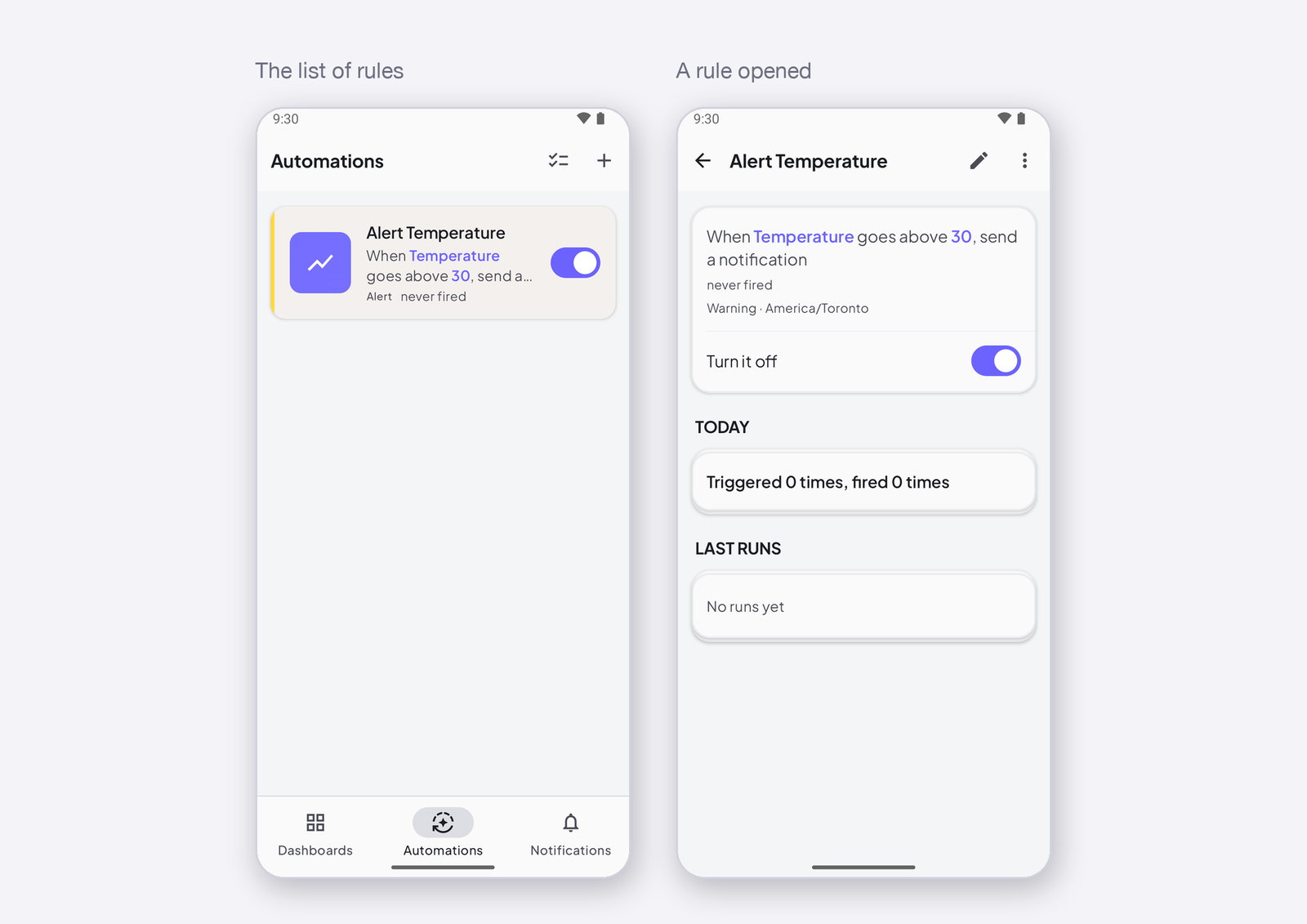
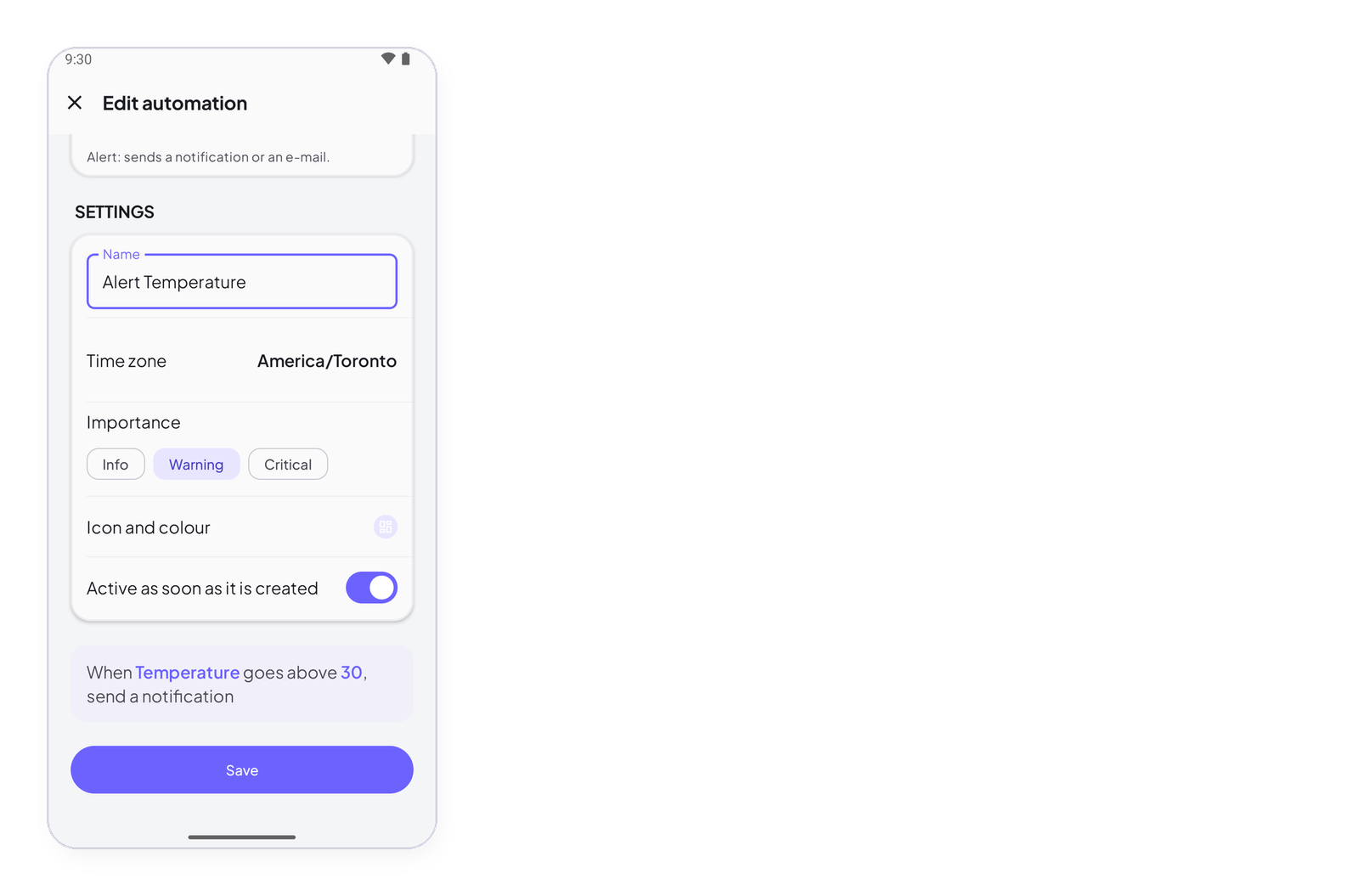
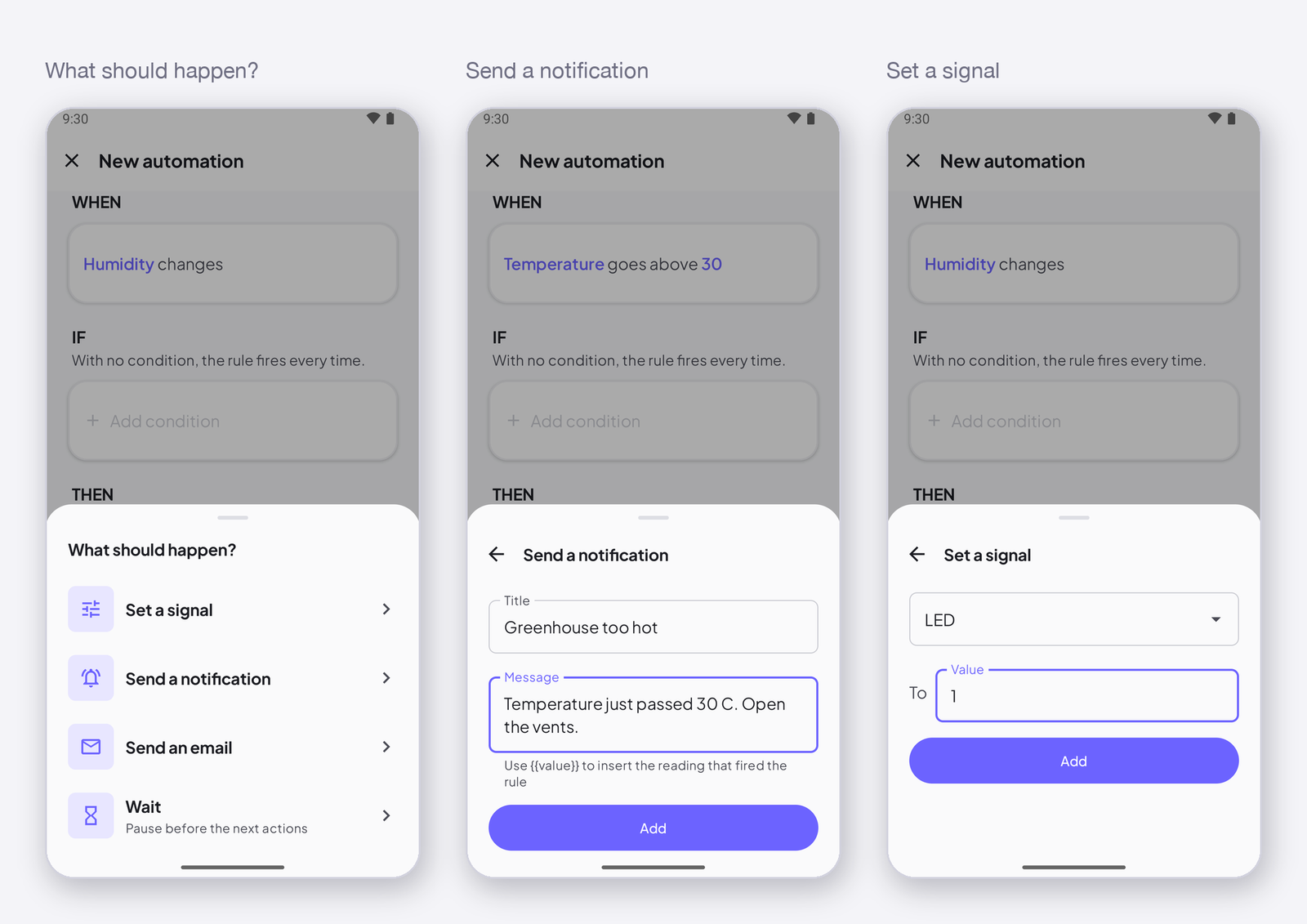
An automation is a rule that runs on InstantIoT Cloud, not on your phone: when something happens, if something is true, then do this. Your phone can be off, the app closed — the rule watches your signals and acts. This page explains the three blocks of a rule, where they live in the app, and what a rule can and cannot do, before the pages that detail each one.
A rule is a sentence
Every rule reads as one sentence, and the editor shows it at the bottom before you save: When Temperature goes above 30, if the device is online, send a notification.
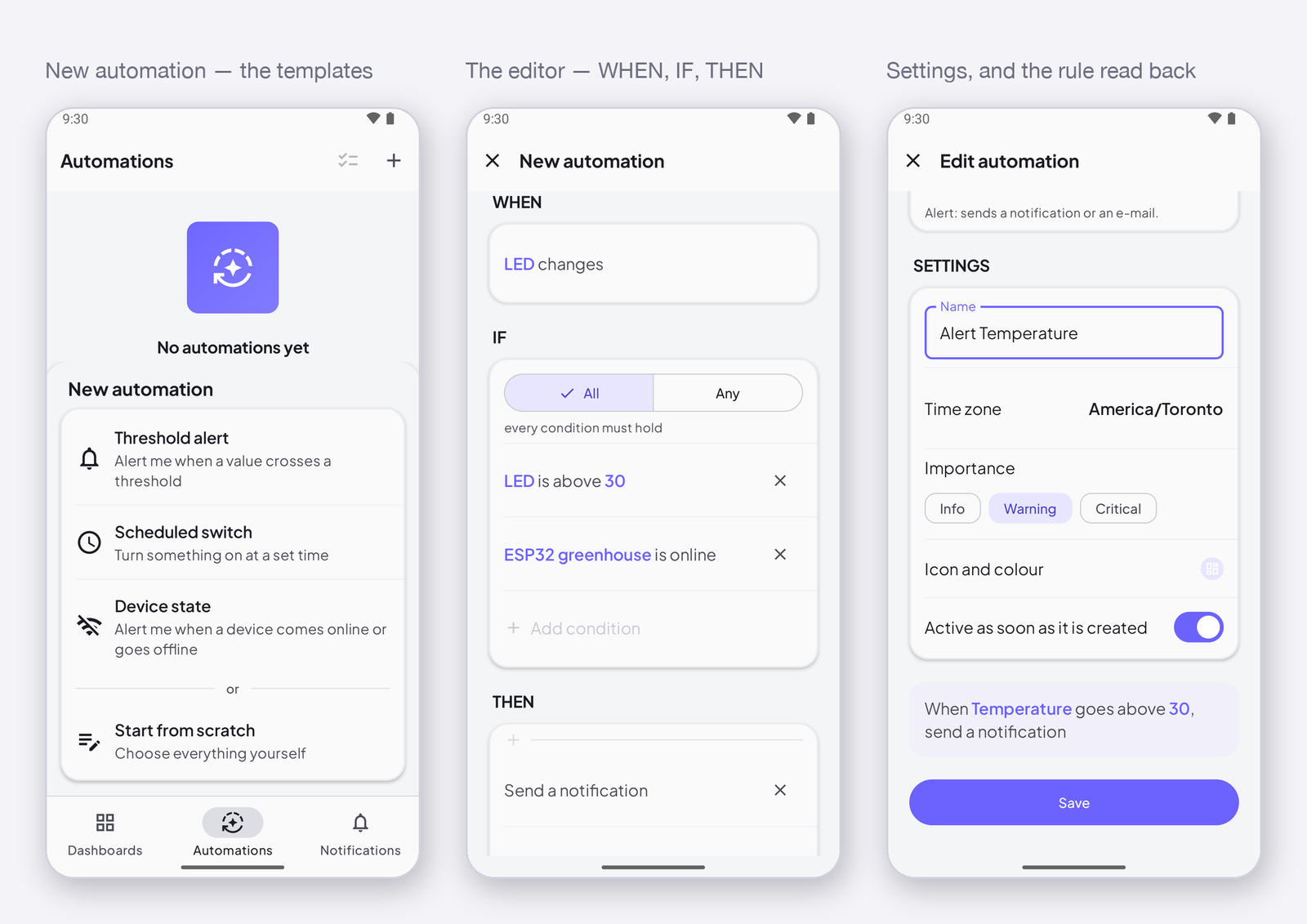
- WHEN — the trigger: the one event that starts the rule. A signal changes, a signal reaches a value, a device comes online or goes offline, a set time arrives. Exactly one per rule.
- IF — the conditions: what has to be true for the rule to go on. A signal compares to a value, the time is in a range, a device is online. None, one, or several — all of them, or any of them.
- THEN — the actions: what the rule does, in order. Send a notification, send an e-mail, set a signal on a device, wait.
- Settings — a name, a time zone, an importance, and whether the rule is active.
Where it lives
The Automations tab at the bottom of the app lists your rules; + creates one, from a template or from scratch — Create an automation from a template. Tap a rule to open it: its sentence, its switch, when it last fired, its last runs — Manage your automations.
What a rule can do
| Block | Choices | Page |
|---|---|---|
| WHEN | a signal changes · a signal reaches a value · a device comes online or goes offline · at a set time | Trigger: when a signal changes · reaches a value · device online or offline · at a set time |
| IF | a signal compares to a value · the time is in a range · a device is online or offline — all, or any | Conditions |
| THEN | send a notification · send an e-mail · set a signal · wait | Actions |
| Settings | name · time zone · importance · active | Rule settings |
What a rule needs
A rule watches signals on the Cloud: it needs a Cloud project, a device that writes, and — to act on a device — a device online at that moment. In a Direct project there is no server, so there are no rules. A command sent to an offline device is dropped, not replayed: a valve that opens two hours late is exactly what we refuse.
How many
Free: 2 rules, 50 push notifications a day. Maker: 25 rules, 500 pushes a day, 30 e-mails a month. At a ceiling the rule still runs, the action is refused and counted, and the Notifications screen says so — What your plan allows for automations.