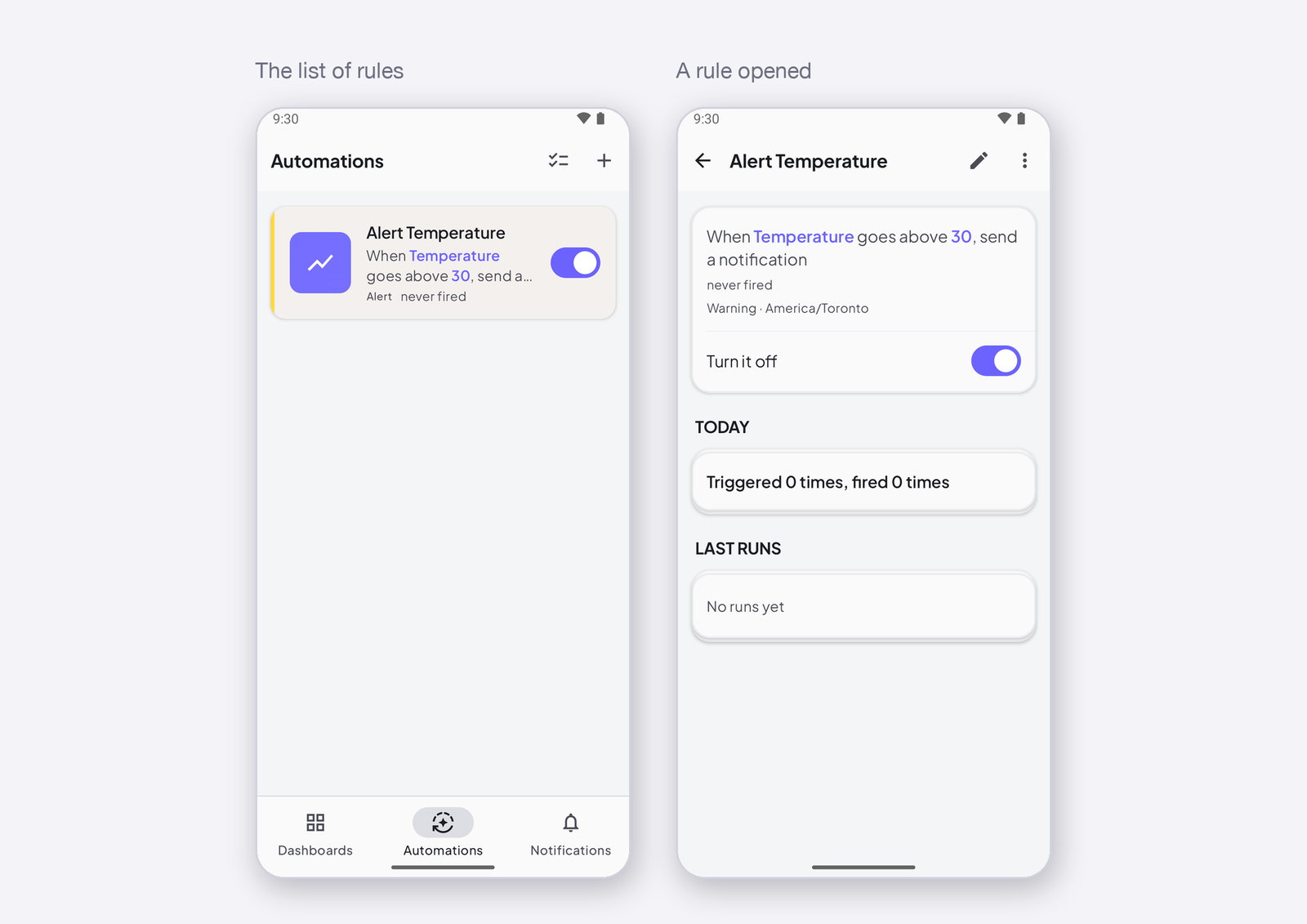
At a set time is the trigger for schedules: the rule fires at an hour and a minute, on the days you choose, in the rule’s time zone. This page shows how to write a schedule, what the time zone changes, and how to turn something on at 7 am and off at 10 pm.
What it does
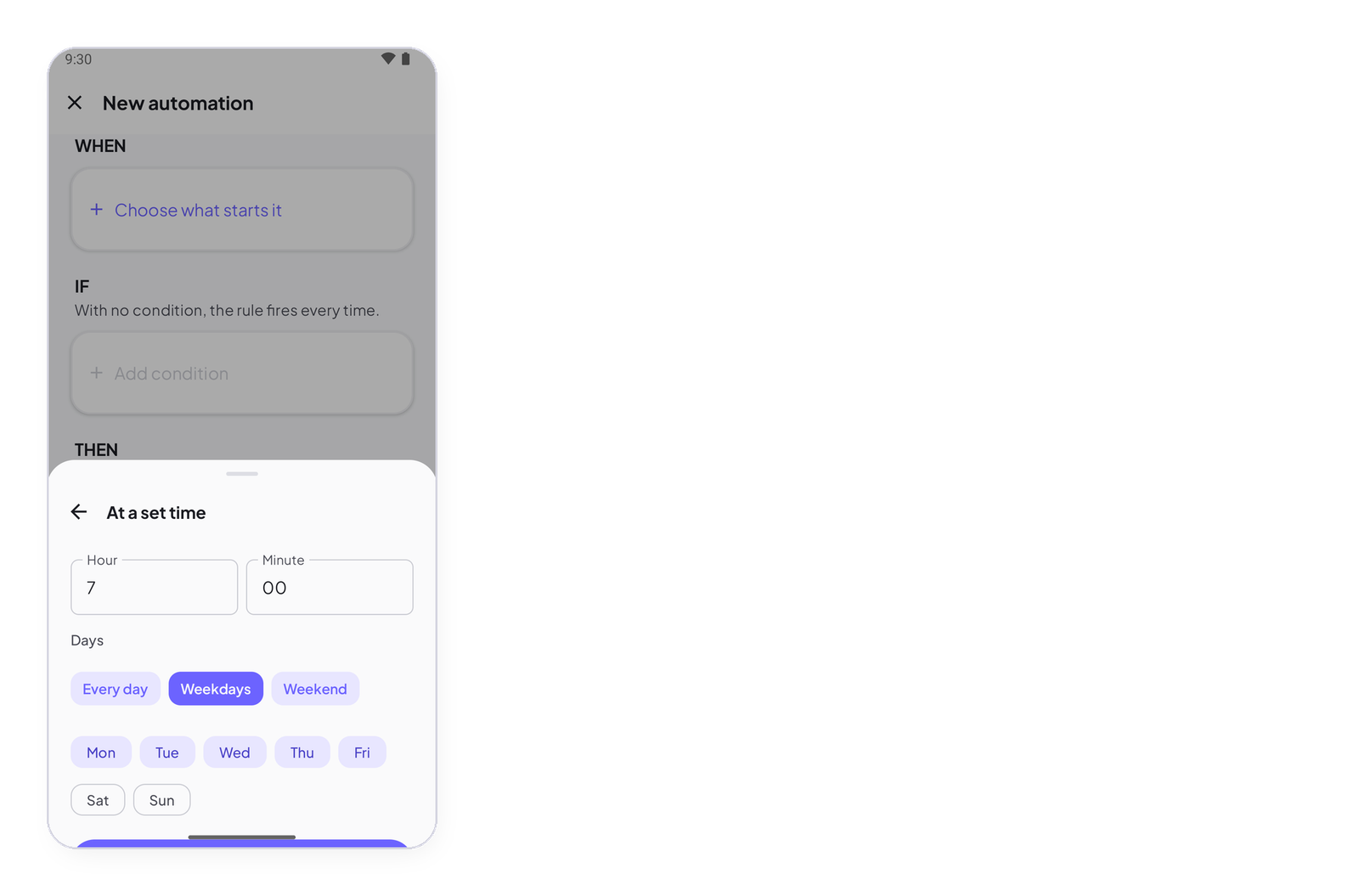
The Cloud fires the rule at the time you set, on the days you tick — Every day, Weekdays, Weekend, or any set of days. Nothing on the device is needed: the device only has to be online when the action reaches it.
The time zone
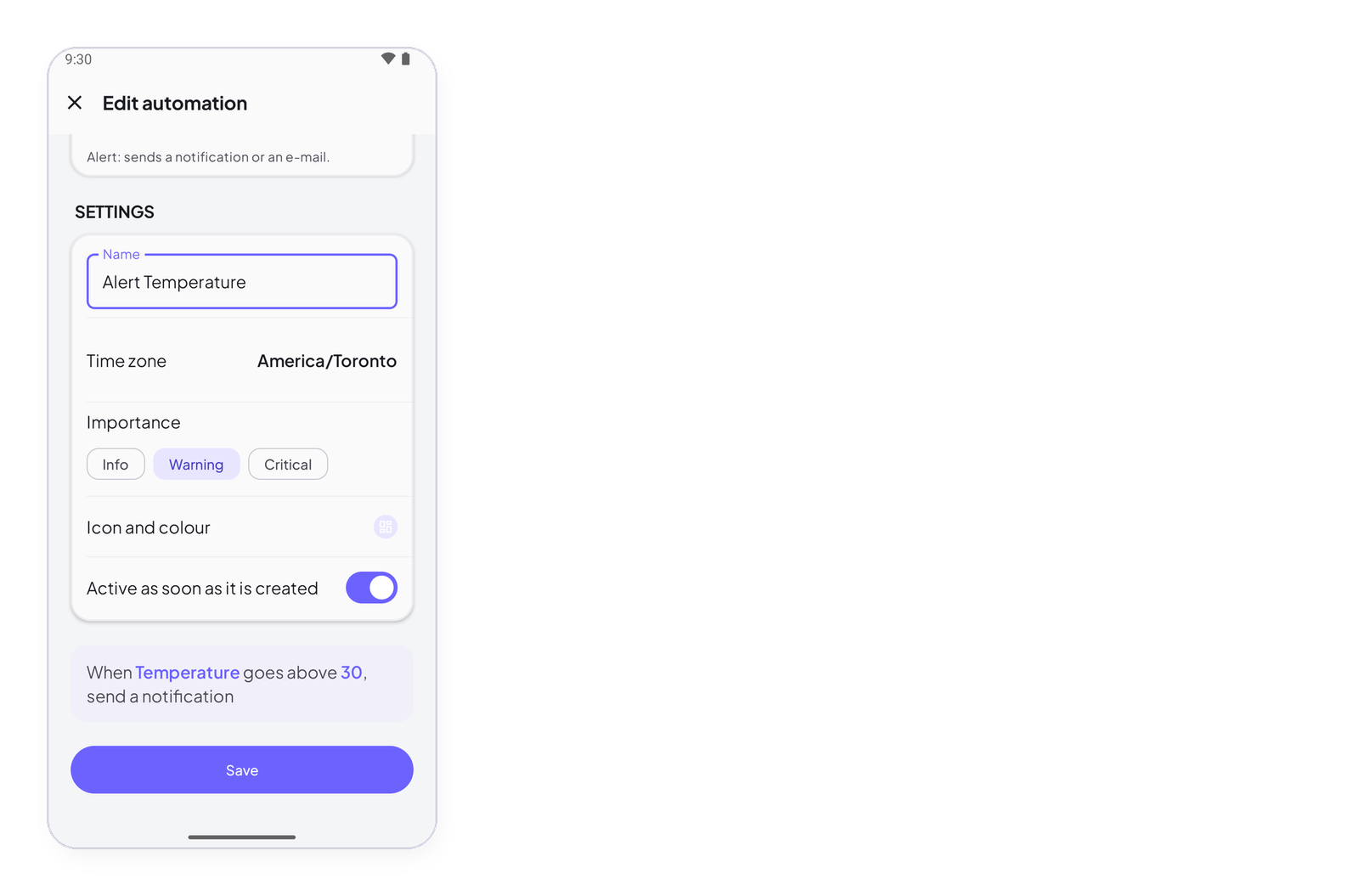
The time is read in the rule’s time zone, set under Settings, not your phone’s. A rule written in Toronto for a greenhouse in Lyon fires at 7 am Lyon time if you say so. The app proposes your phone’s zone and tells you when the two differ — Rule settings.
How to write it
In the editor, tap Choose what starts it under WHEN, then At a set time. Set the hour and minute, tick the days. The sentence reads Every weekday at 07:00.
On at 7, off at 22
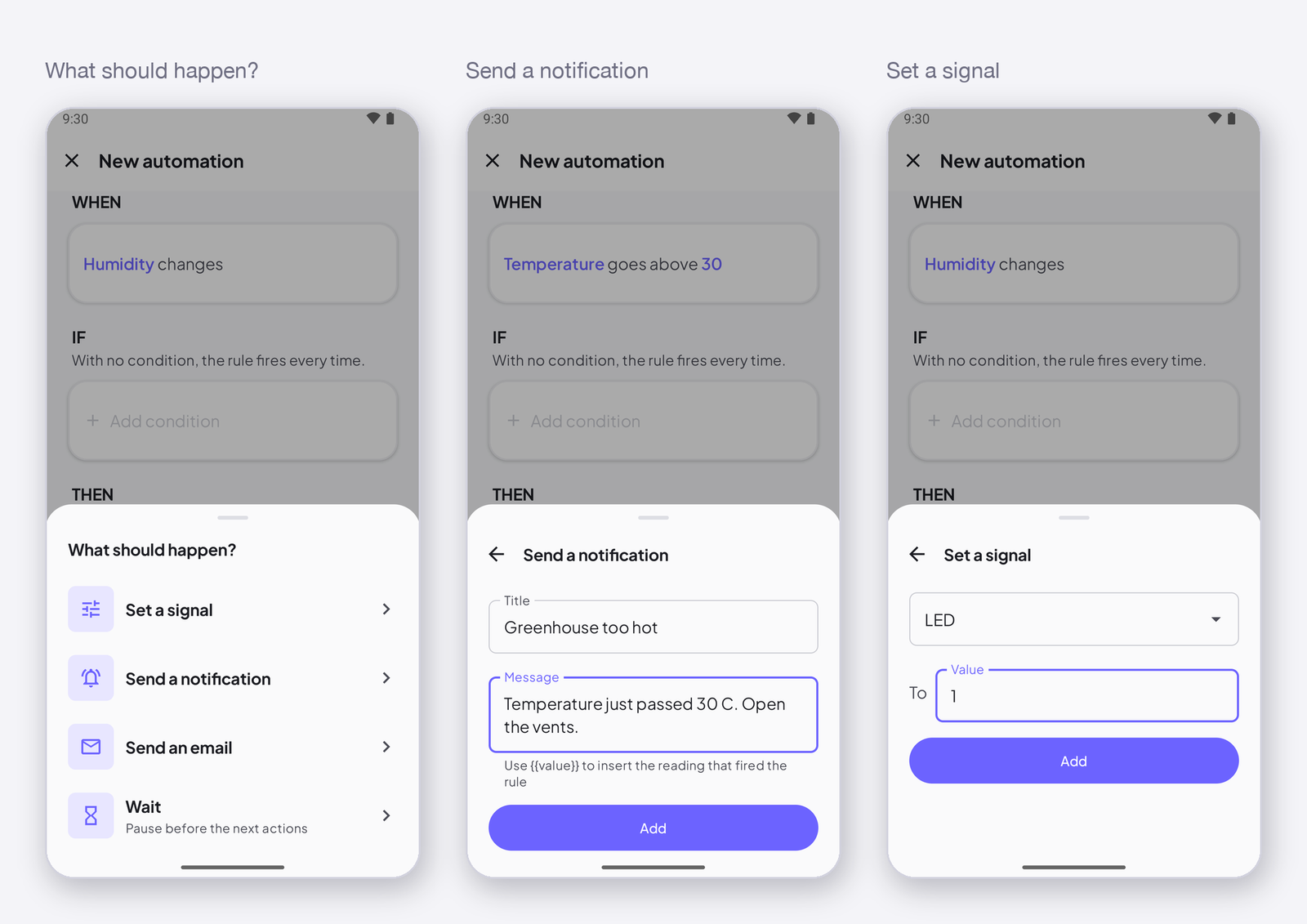
Two rules, one signal: At 07:00 every day → set Pump to 1 and At 22:00 every day → set Pump to 0. The Scheduled switch template writes the first one; duplicate it and change the time and the value for the second.
A command to an offline device is dropped. If the pump’s device is offline at 07:00, it does not turn on at 07:05 when it comes back. Add the condition the device is online so the rule’s history says condition false rather than action dropped, and consider Restore after a restart on the signal so the device finds the last state by itself.
Next
→ Actions: set a signal. → Conditions: the time is in a range — to limit another rule to certain hours.