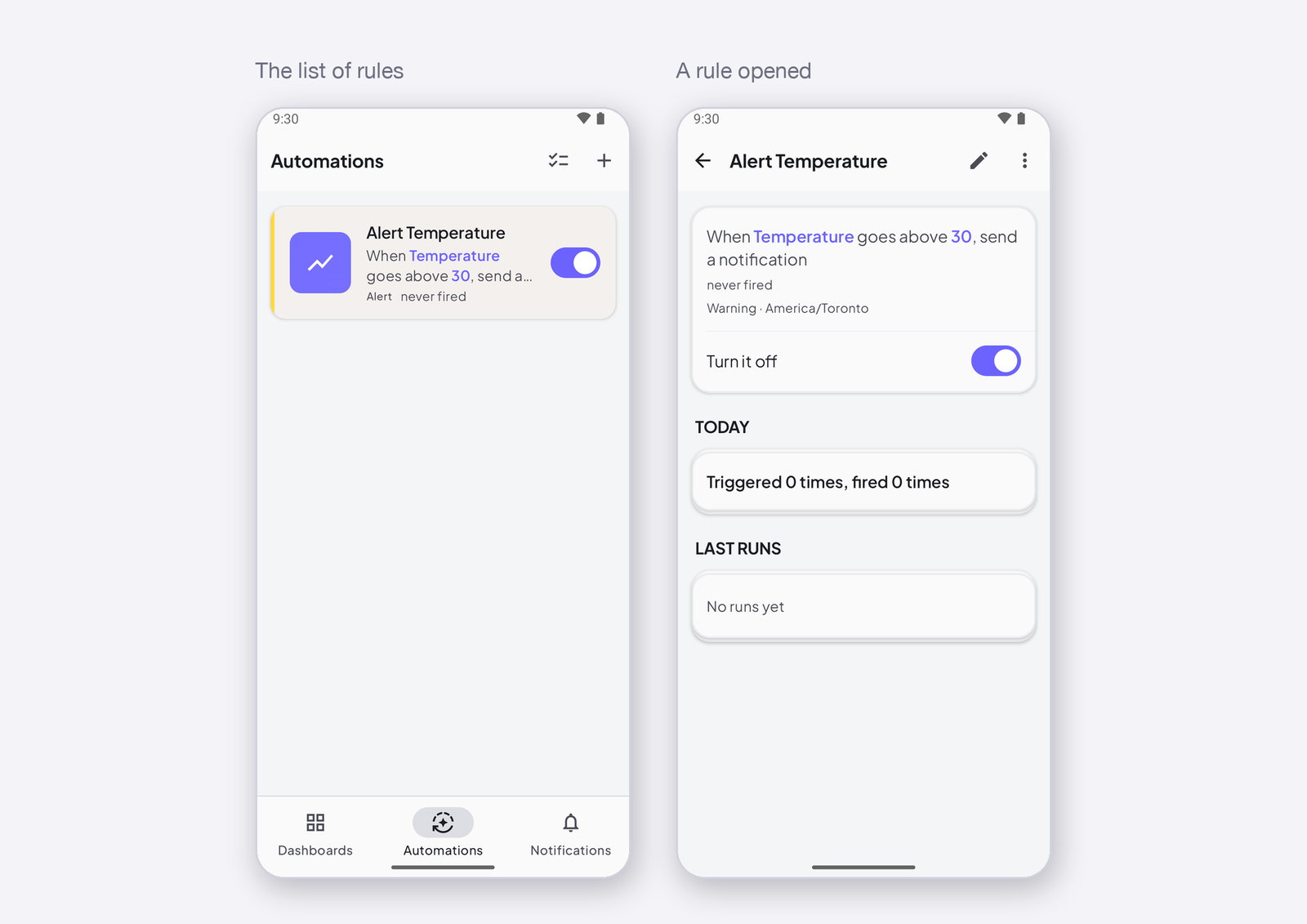
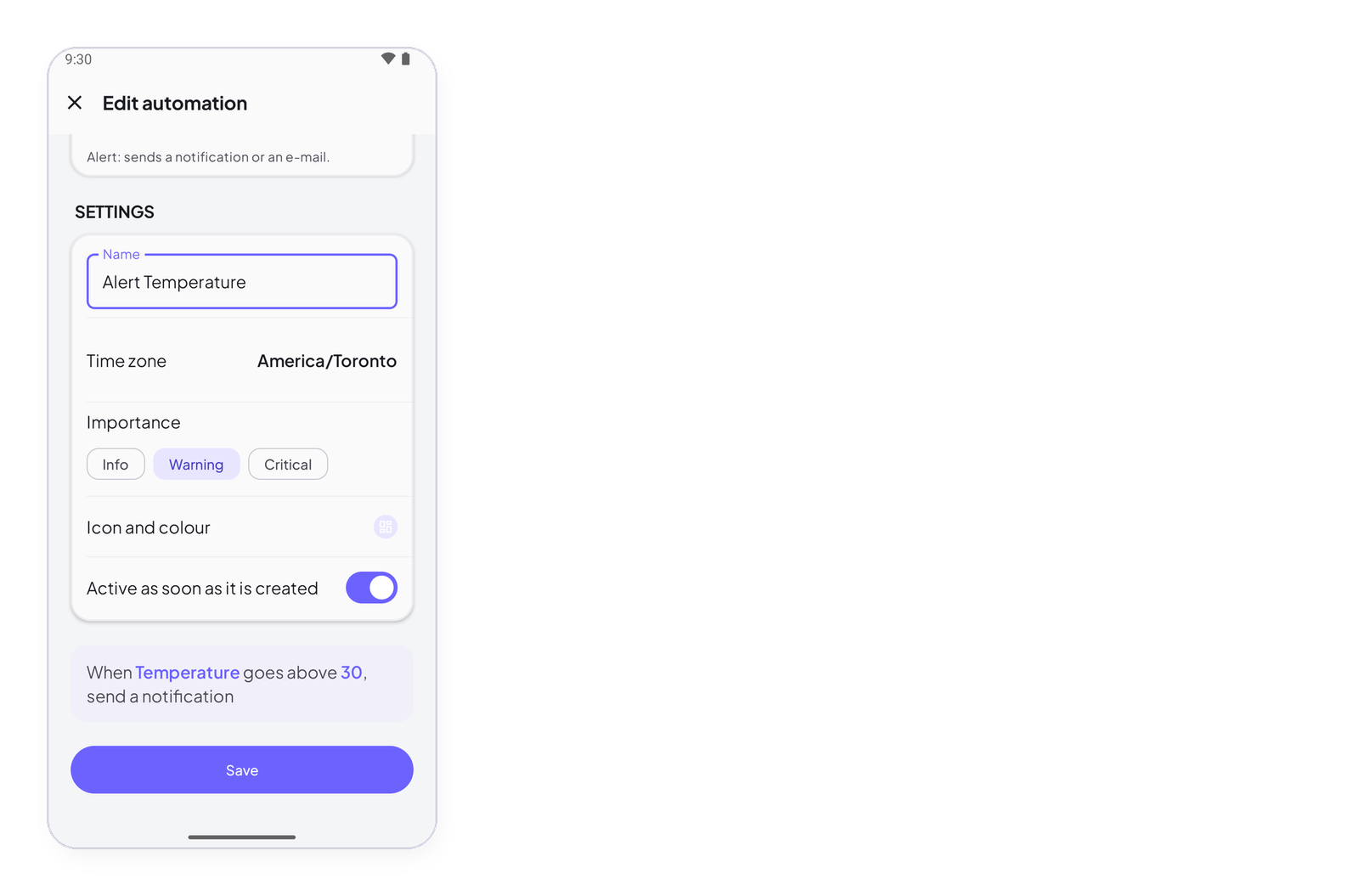
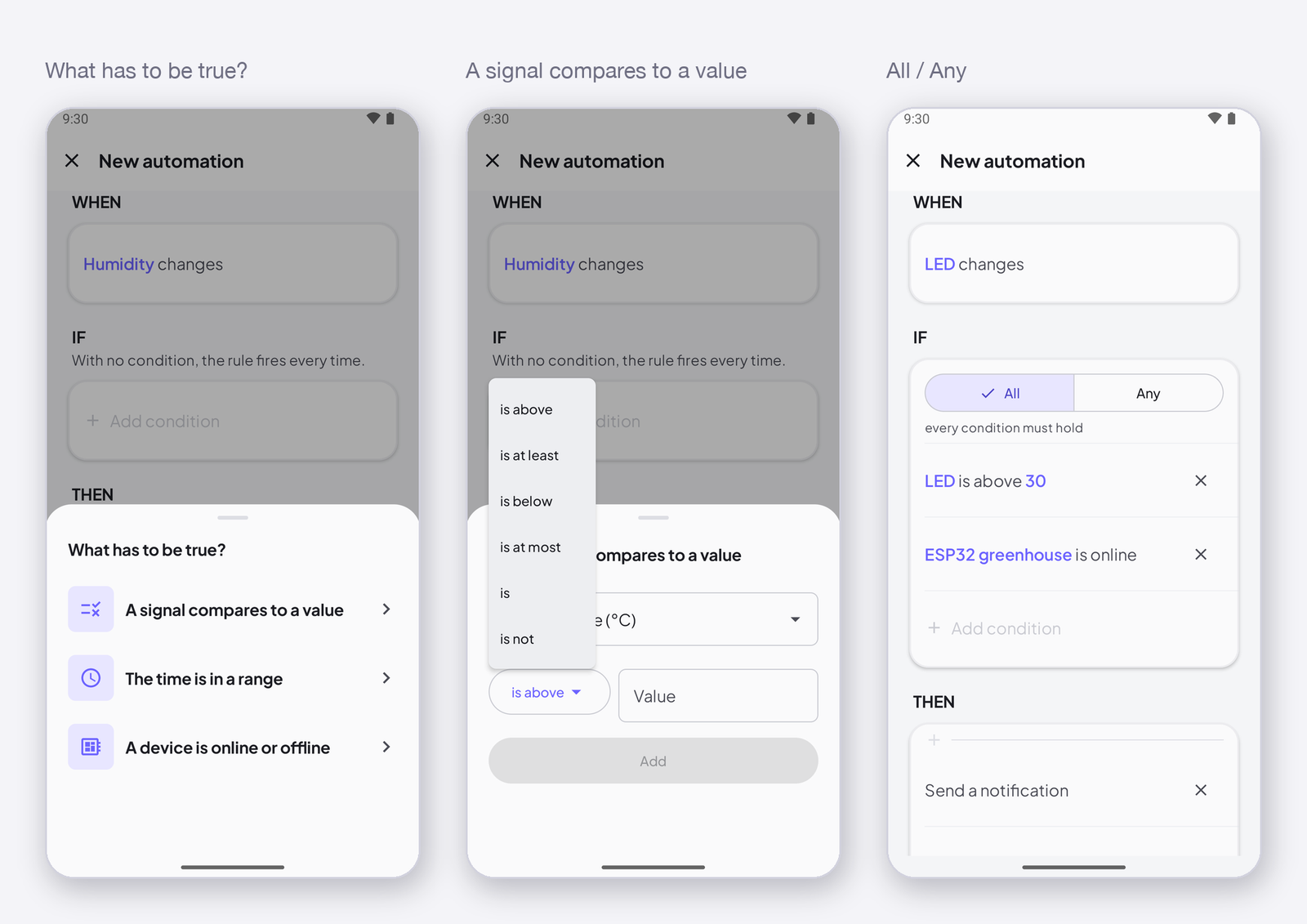
An action is what the rule does once its trigger fired and its conditions held. A rule can have several, and they run in order. This page lists the four actions, what each one needs, and how Wait splits a list of actions in two.
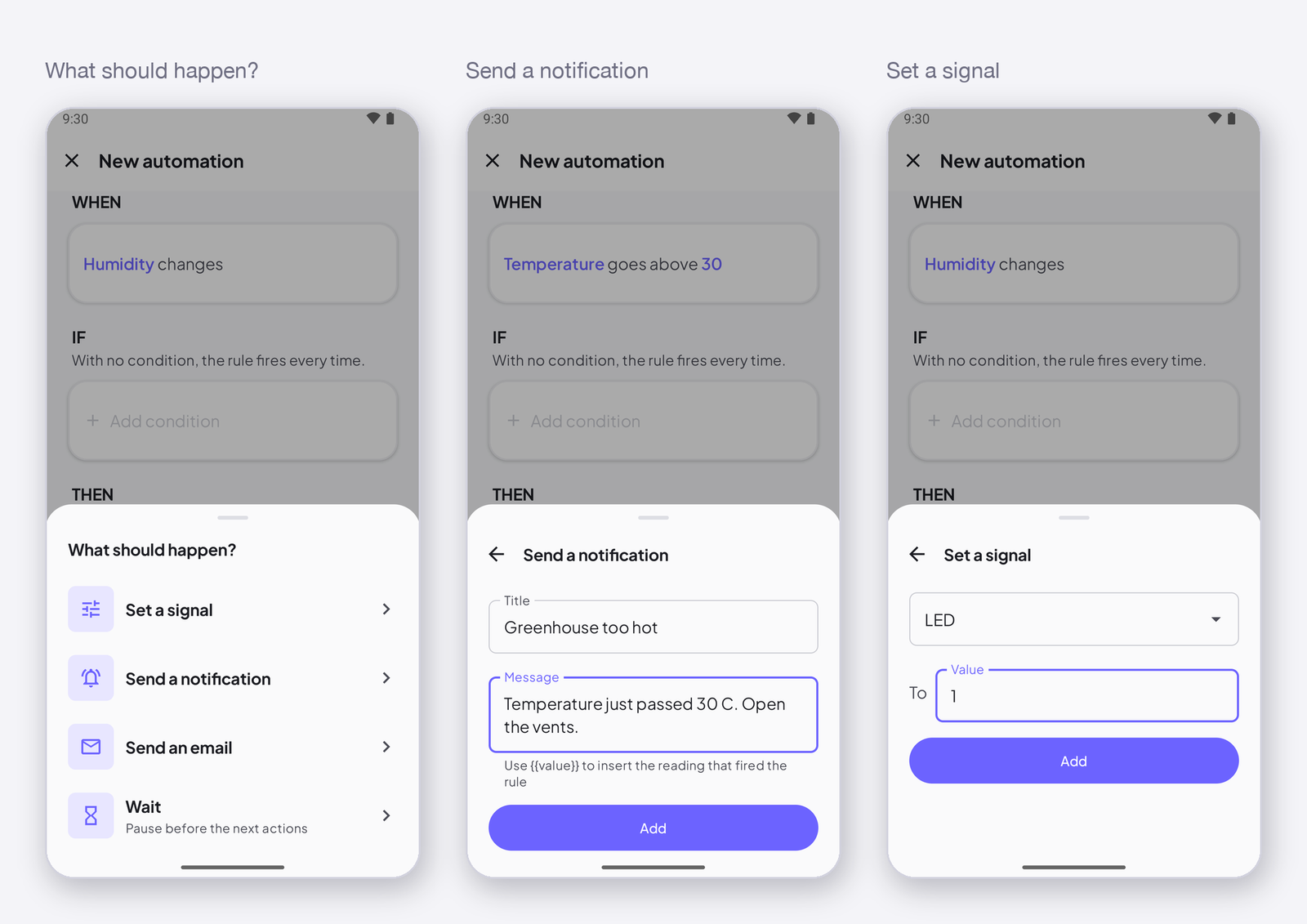
The four actions
| Action | What it does | Needs |
|---|---|---|
| Send a notification | a push on every phone signed in to your account, and a line on the Notifications screen | a title and a message; write {{value}} in either to insert the reading that fired the rule |
| Send an e-mail | the same, to your account’s e-mail address | a Maker plan; a title and a message |
| Set a signal | writes a value to a signal on a device — a command | the signal, the value; the device must be online to receive it |
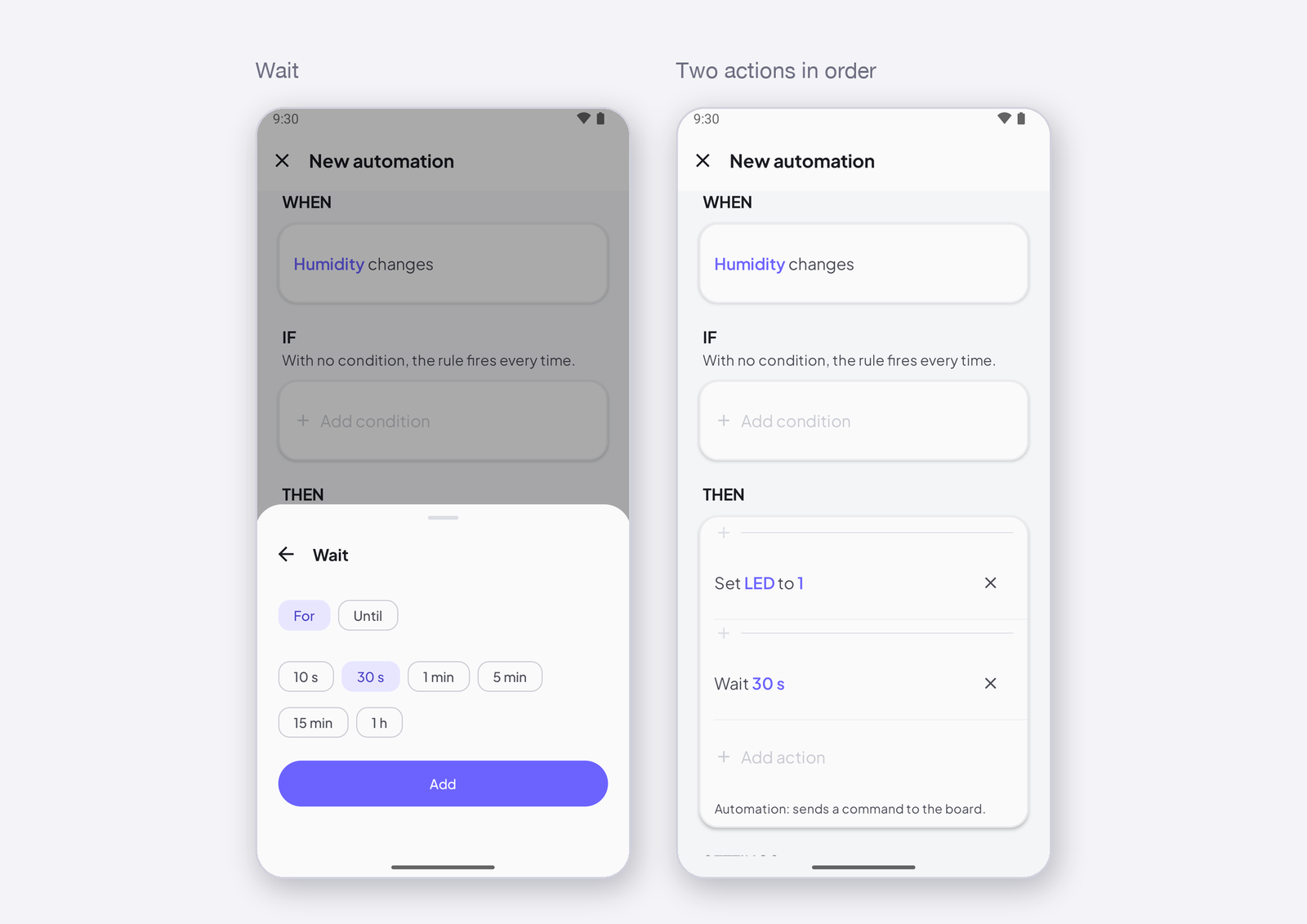
| Wait | pauses before the next actions | for 10 s, 30 s, 1 min, 5 min, 15 min, 1 h — or until a time of day |
In order
Actions run top to bottom. Tap + between two actions to insert one; the bin removes one. A Wait splits the list: everything above runs now, everything below runs after the wait — set Fan to 1, wait 10 min, set Fan to 0 is a ten-minute pulse.
Set a signal: a command, not a state
Set a signal sends the value once, now. If the device is offline at that moment, the command is dropped, not kept for later — a valve that opens two hours late is exactly what we refuse. The rule’s history says action dropped. For a state the device must find again by itself, turn on Restore after a restart on the signal: the Cloud keeps the last value and replays it on reconnect — Receive any value with ISignal.
How to write it
In the editor, tap Add action under THEN and pick one. For a notification, type the title and the message. For a signal, pick it and type the value. Tap Add; repeat for the next action.
Next
→ Rule settings — name, time zone, importance. → Push notifications on your phone — where the notification lands.