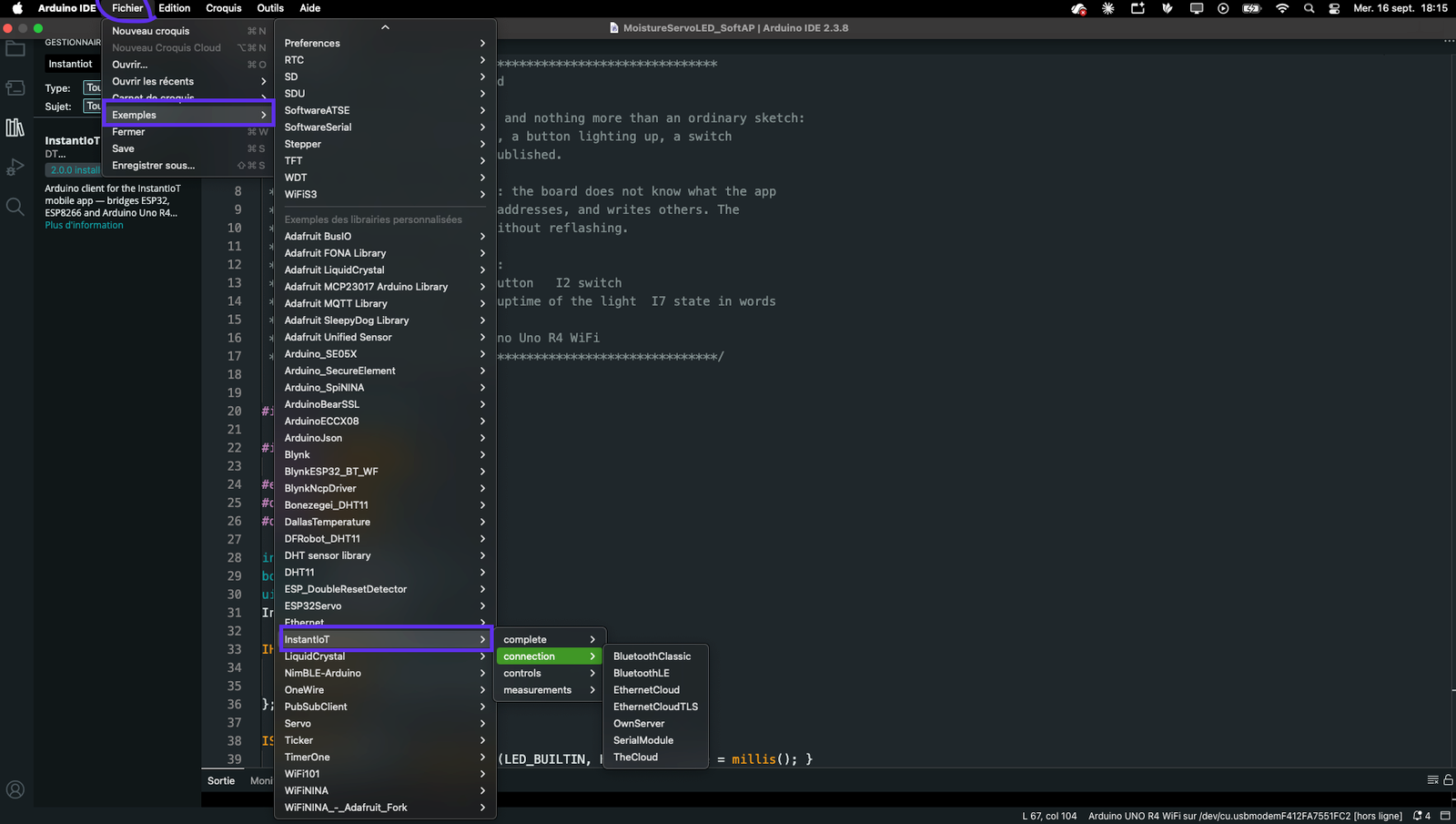
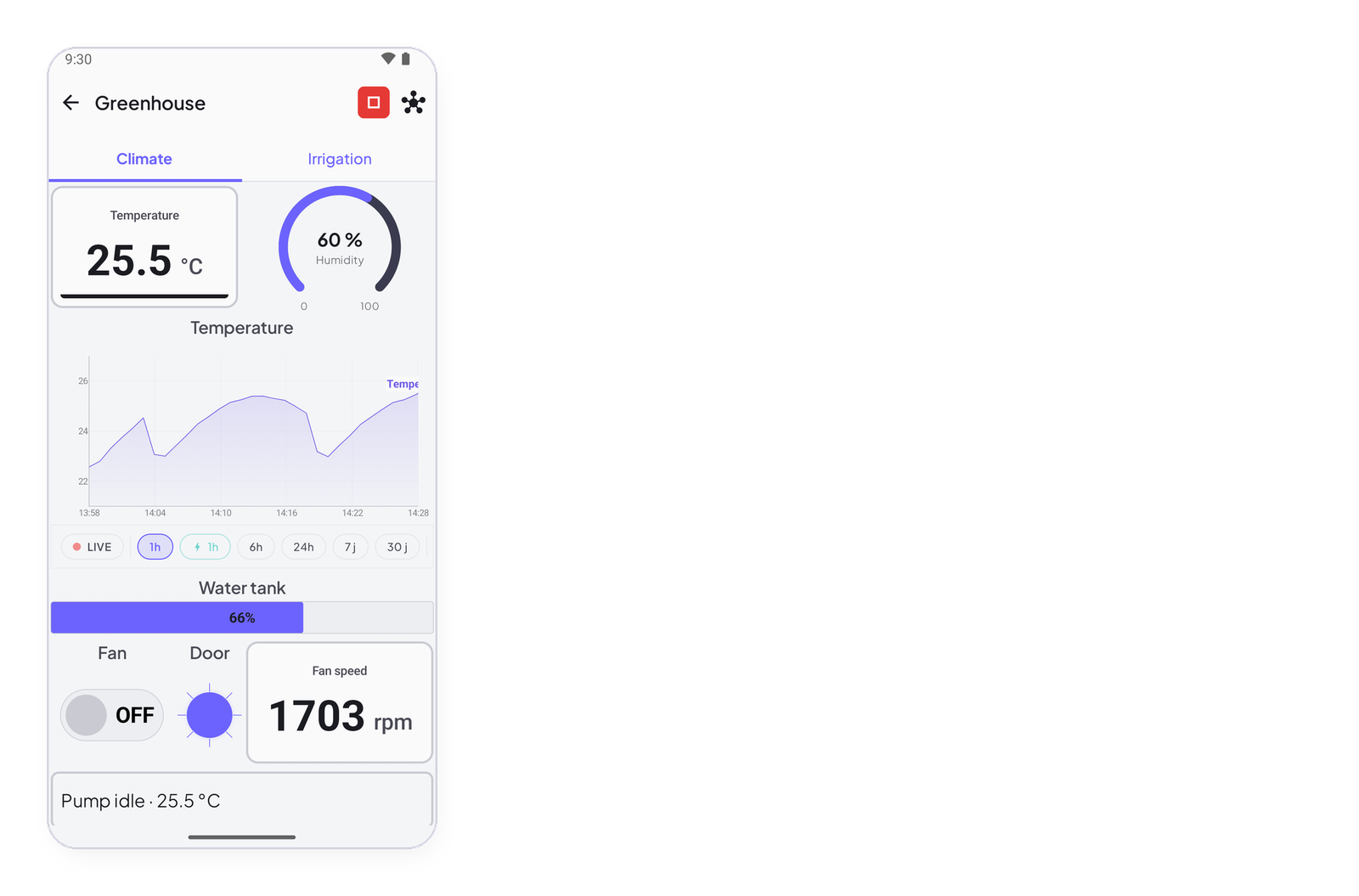
Sending a value to the app is one call: InstantIoT.write(address, value). This page shows it for every type, puts it on the library’s timer — the one way to pace a sketch — and says how often to call it, Direct or Cloud, so a Cloud project stays far from its plan ceiling.
InstantIoT.write(I0, readTemperature());         // float — a measure
InstantIoT.write(I1, digitalRead(DOOR) == HIGH);  // bool  — a state (digitalRead alone is an int)
InstantIoT.write(I2, rpm);                        // int   — a count, a raw reading
InstantIoT.write(I3, "OK");                       // text  — 48 characters at most
The value’s C++ type is what goes on the wire — float, int, bool or text — and the signal in the app must be declared with the same one. A double is sent as a float, a long or an unsigned as an int, so analogRead(A0) * 3.3 / 4095.0 and millis() both compile without a cast.
#include <InstantIoT.h>

const char* TOKEN = "paste-the-token-the-app-gave-you";
#define DOOR 4
InstantTimer timers;
unsigned long turns = 0;

void publish() {
    InstantIoT.write(I0, readTemperature());             // Decimal in the app
    InstantIoT.write(I1, digitalRead(DOOR) == HIGH);     // Boolean
    InstantIoT.write(I2, turns);                         // Integer
    InstantIoT.write(I3, turns > 1000 ? "Service due" : "OK");   // Text
}

void setup() {
    pinMode(DOOR, INPUT_PULLUP);
    InstantIoT.begin(WiFiLink("MyWiFi", "secret"), Cloud(TOKEN));
    timers.every(2000, publish);
}

void loop() { InstantIoT.loop(); timers.run(); }
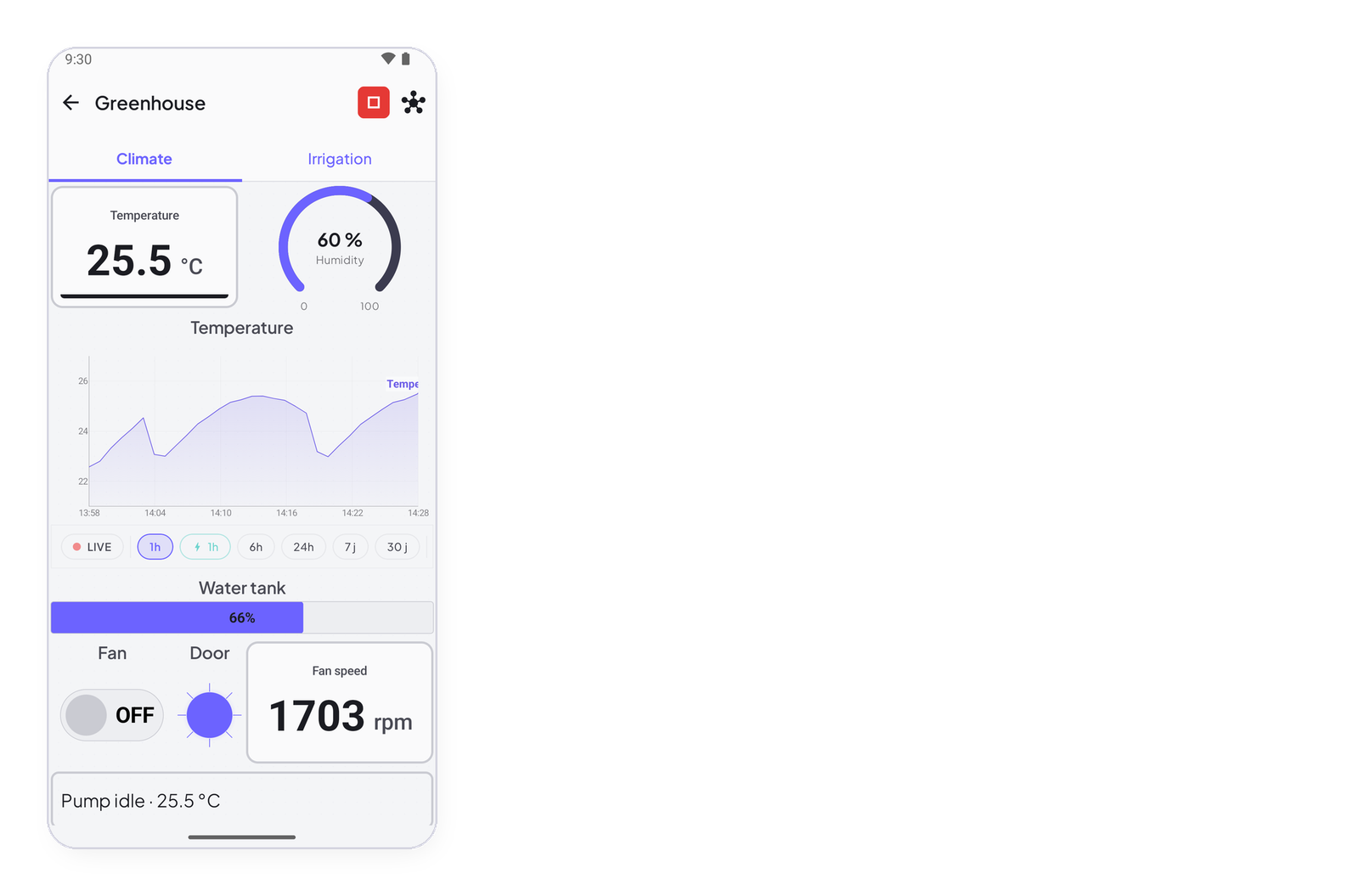
That is all a display needs. Declare the signal in the app at the same address (Add a device and its signals), put any display on it — a metric, a gauge, a chart — and the value appears.
From anywhere
write works from any function, any block, any WHEN_ clause. Answering a gesture with a write is the normal case. Two things it will not do: nothing before begin() (it says so once), and never from an interrupt — set a flag, write in loop().
// From a block: the app presses, the device answers on another address
ISimpleButton(I0) {
    WHEN_PRESSED  { digitalWrite(PUMP, HIGH); InstantIoT.write(I4, "Pump on");  }
    WHEN_RELEASED { digitalWrite(PUMP, LOW);  InstantIoT.write(I4, "Pump off"); }
};

// From a receiver: echo what was set, so a metric on I6 shows the setpoint the device really holds
ISignal(I5, float setpoint) {
    target = setpoint;
    InstantIoT.write(I6, target);
};

// From an interrupt: NOT here — raise a flag, write in loop()
volatile bool pulse = false;
void IRAM_ATTR onPulse() { pulse = true; }     // IRAM_ATTR on ESP32; plain void onPulse() on an AVR

void setup() {
    InstantIoT.begin(WiFiLink("MyWiFi", "secret"), Cloud(TOKEN));
    attachInterrupt(digitalPinToInterrupt(2), onPulse, RISING);
}

void loop() {
    InstantIoT.loop();
    if (pulse) { pulse = false; InstantIoT.write(I7, ++pulses); }
}
On a timer — the way to write
InstantTimer is the one tool for pacing a sketch: a function, a period, and timers.run() in loop(). No delay() — it would stop the library reading what the app sends and sending the heartbeat, and the server would mark the device offline — and no millis() arithmetic by hand. A sensor once a second:
#include <InstantIoT.h>

const char* TOKEN = "paste-the-token-the-app-gave-you";
InstantTimer timers;

float readTemperature() {                            // an LM35 on A0 — or whatever you measure
    return analogRead(A0) * 3.3 / 4095.0 * 100.0;
}

void publish() { InstantIoT.write(I0, readTemperature()); }

void setup() {
    InstantIoT.begin(WiFiLink("MyWiFi", "secret"), Cloud(TOKEN));
    timers.every(1000, publish);                     // once a second; the Cloud averages by the minute for the charts
}

void loop() { InstantIoT.loop(); timers.run(); }
Several values, several timers — each at its own pace, all in the same object:
void publishTemperature() { InstantIoT.write(I0, readTemperature()); }
void publishLevel()       { InstantIoT.write(I1, readTankLevel());   }
void publishUptime()      { InstantIoT.write(I2, millis() / 60000);  }

void setup() {
    InstantIoT.begin(WiFiLink("MyWiFi", "secret"), Cloud(TOKEN));
    timers.every(2000,  publishTemperature);        // a temperature moves in seconds
    timers.every(60000, publishLevel);              // a tank moves in minutes
    timers.every(60000, publishUptime);
}
Over a serial module at 9600 baud, a few seconds between frames, and two timers out of step so they never fire in the same instant:
void startHumidity() { timers.every(5000, publishHumidity); }

void setup() {
    InstantIoT.begin(SerialLink(Serial1));
    timers.every(5000, publishTemperature);         // at 0 s, 5 s, 10 s…
    timers.once(2500, startHumidity);               // at 2.5 s, 7.5 s… — never in the same instant as the other
}
How often
At the pace the value deserves — not on every pass of loop(). The library has a ceiling and will not let a sketch flood the link, but a write() in loop() still fires as fast as the ceiling allows, tens of frames a second, all day.
- Direct — Wi-Fi, Bluetooth, a module: only your phone is listening, so the pace is yours. Ten times a second for a joystick echo is fine; a serial module at 9600 baud wants a few seconds between frames.
- Cloud — every frame is stored, averaged and counted against your plan. Once a second is the most a chart ever needs; once a minute is plenty for anything slow; and a value that rarely changes should go out when it changes, not on a clock. A value written once a second that never changes is 86 400 identical points a day, and they are yours to pay for.
write() returns false when the ceiling swallowed the call or the device is not connected — not an error. true means the frame left the device, not that the server kept it: an address the project does not declare, a type that does not match, or an account over its plan is dropped on the server side. Check the app when a value never shows up.
When a value only matters when it changes — a door, a relay, a threshold — still read it on a timer, and write only if it moved:
bool lastOpen = false;

void checkDoor() {                                   // every half second — reading is cheap, writing is not
    bool open = digitalRead(DOOR) == HIGH;
    if (open != lastOpen && InstantIoT.write(I1, open)) lastOpen = open;
}

void setup() {
    InstantIoT.begin(WiFiLink("MyWiFi", "secret"), Cloud(TOKEN));
    timers.every(500, checkDoor);
}