The device and the app never exchange widget names or signal names — only an address and a value. This page is the contract between the two: what an address is, and the block that makes a signal a state the device can find again — ISignal. Then the type rule, and the three things to check when a value does not show up.
An address is a wire
I0, I1, I2… like A0 on an Arduino. The sketch writes to an address with InstantIoT.write(I1, value); the app shows whatever arrives at I1 in every widget wired to that signal. In the other direction, a control writes to an address and the sketch reacts with a block on it — ISwitch(I3, bool on), ISignal(I3, bool on).
The address comes from the app: when you declare a signal, the app gives it the next free one and prints it next to the name. Keep the suggested addresses and your sketch reads I0, I1, I2 in order.
// In the app:  I0 Temperature · Decimal     I1 Door · Boolean     I2 Pump · Boolean
InstantIoT.write(I0, readTemperature());          // device → app
InstantIoT.write(I1, digitalRead(DOOR) == HIGH);
ISignal(I2, bool on) { digitalWrite(PUMP, on); };  // app → device
ISignal — the signal, on the device
An address on its own is a wire. ISignal is what makes it a signal: a block on that address that runs with the value, whoever wrote it and whenever it was written.
ISignal(I5, float setpoint) { target = setpoint; };
The widget blocks — ISwitch, IHorizontalSlider, ISegmentedSwitch, ISimpleButton… — are the same mechanism with a friendlier name: they say which control is on the phone. They are the right block when the sketch answers a gesture. ISignal is the right block when the sketch holds a state, and here is the difference that matters:
ISignal gets its value back after a restart. A widget block does not. Turn on Restore after a restart on the signal in the app (Declare a signal → Advanced), and the Cloud sends its last value again the moment the device reconnects — after a power cut, a reflash, a Wi-Fi drop. Only an ISignal block runs on that replay. A widget block never does, because it stands for a gesture and nobody touched the phone.
// I5 · Decimal · "Setpoint" · Restore after a restart: ON
float setpoint = 19.0;                      // used for the few seconds before the Cloud answers

ISignal(I5, float v) { setpoint = v; };     // runs when the slider moves — AND again at every reconnect

// The same address on a widget block would work while the phone is open,
// and forget everything at the next power cut:
// IHorizontalSlider(I5, float v) { setpoint = v; };   // never replayed
Three consequences, and they are the reason to reach for ISignal first on anything that is not a button:
- The device finds its state by itself. A setpoint, a mode, a pump that was on: unplug it, plug it in tomorrow, it is back where it was — nothing written to EEPROM, nothing to reload. The state lives on the Cloud, and the device asks for it by reconnecting.
- The value can come from anywhere. A slider today, a rule that sets the signal at 7 pm tomorrow, a metric someone taps to edit, another device:
ISignaldoes not care which. A widget block only knows its widget. - The type is yours.
float,int,bool,const char*in the head — the block receives the value in the type it asks for.
ISignal(I3, bool on)         { digitalWrite(RELAY, on ? HIGH : LOW); };   // a switch, or a rule — restored
ISignal(I4, int mode)        { applyMode(mode); };                         // a selector, or a rule — restored
ISignal(I6, const char* msg) { display.print(msg); };                      // a text widget, or a rule's message
Keep the widget blocks for what they are good at: ISimpleButton, IEmergencyButton, IDirectionPad are gestures, and a gesture must not be replayed — a button that fires by itself at boot would light a lamp nobody asked for. Receive any value with ISignal has the complete thermostat.
The device is the only place that knows the type
The app declares a signal as Integer, Decimal or Text. The sketch writes the matching C++ type — int or bool, float, const char* — and, in a block, writes the type it expects: ISignal(I5, float setpoint). If the two disagree, the Cloud refuses the value and the device’s signal shows a mismatch (Your device sends something else): reflash with the right type, or change the signal’s type in the app.
The rule is widening only: a bool fits an Integer or a Decimal signal, an int fits a Decimal one, but a float never fits an Integer, and Text is an island — text to text, nothing else either way.
// I0 declared Decimal, I1 Integer, I2 Text
InstantIoT.write(I0, 23.4);                 // float → Decimal — accepted
InstantIoT.write(I0, 23);                   // int   → Decimal — accepted, it widens
InstantIoT.write(I1, 23.4);                 // float → Integer — refused, and the app says so
InstantIoT.write(I2, "23.4");               // text  → Text    — accepted; "23.4" into I0 is refused
Three things to check when a value does not show up
- The address — the sketch writes
I1, the signal in the app isI1. Off by one is the classic. - The type — a
floatinto an Integer signal is refused, a number into a Text signal too. - The declaration — the signal exists in the app, on the device that is writing. An address nobody declared is dropped on the server.
InstantIoT.write(I2, level); // "nothing shows up": is it I2 in the app, is it Decimal, is it declared on THIS device?
The device knows nothing about widgets
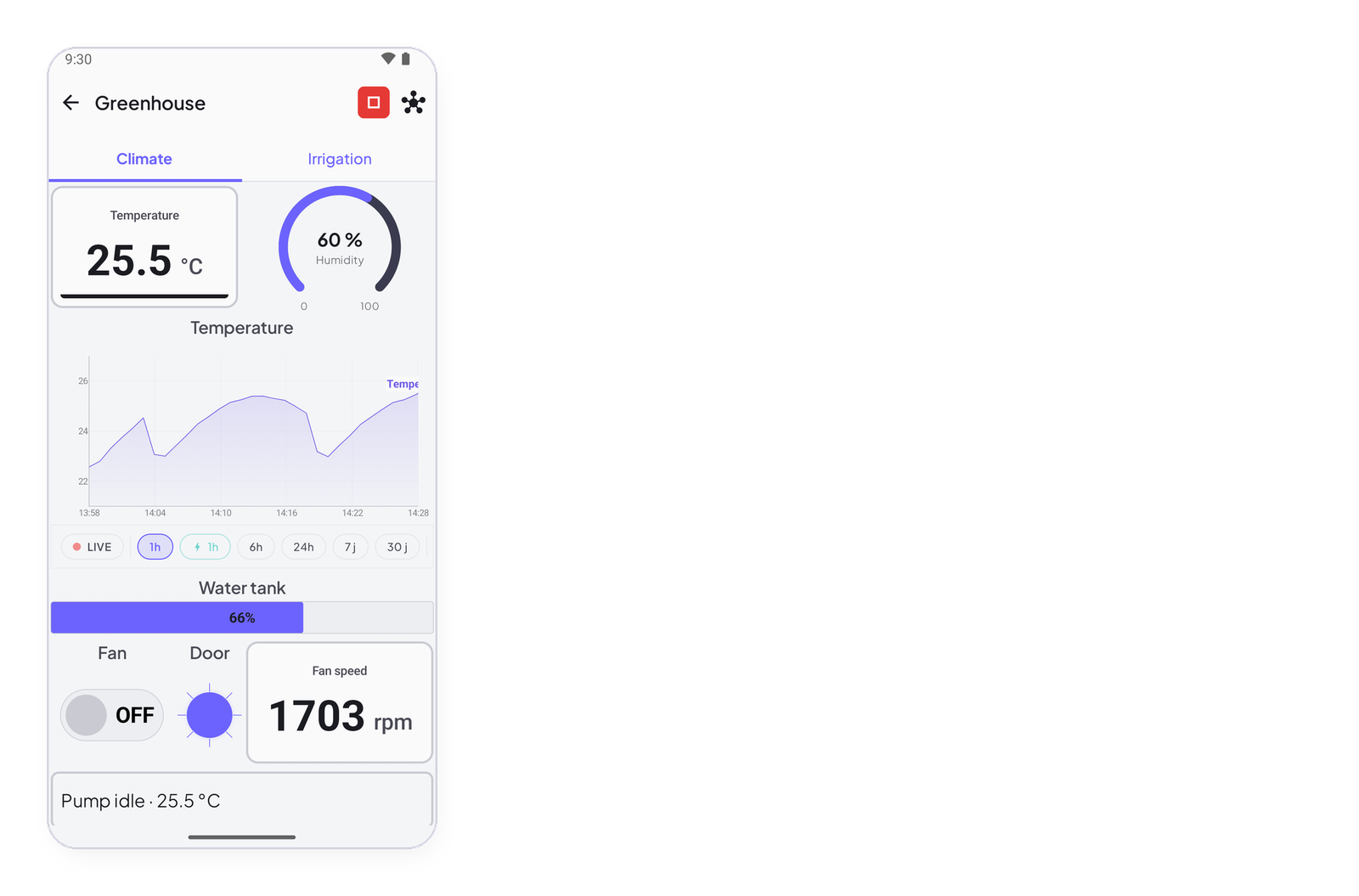
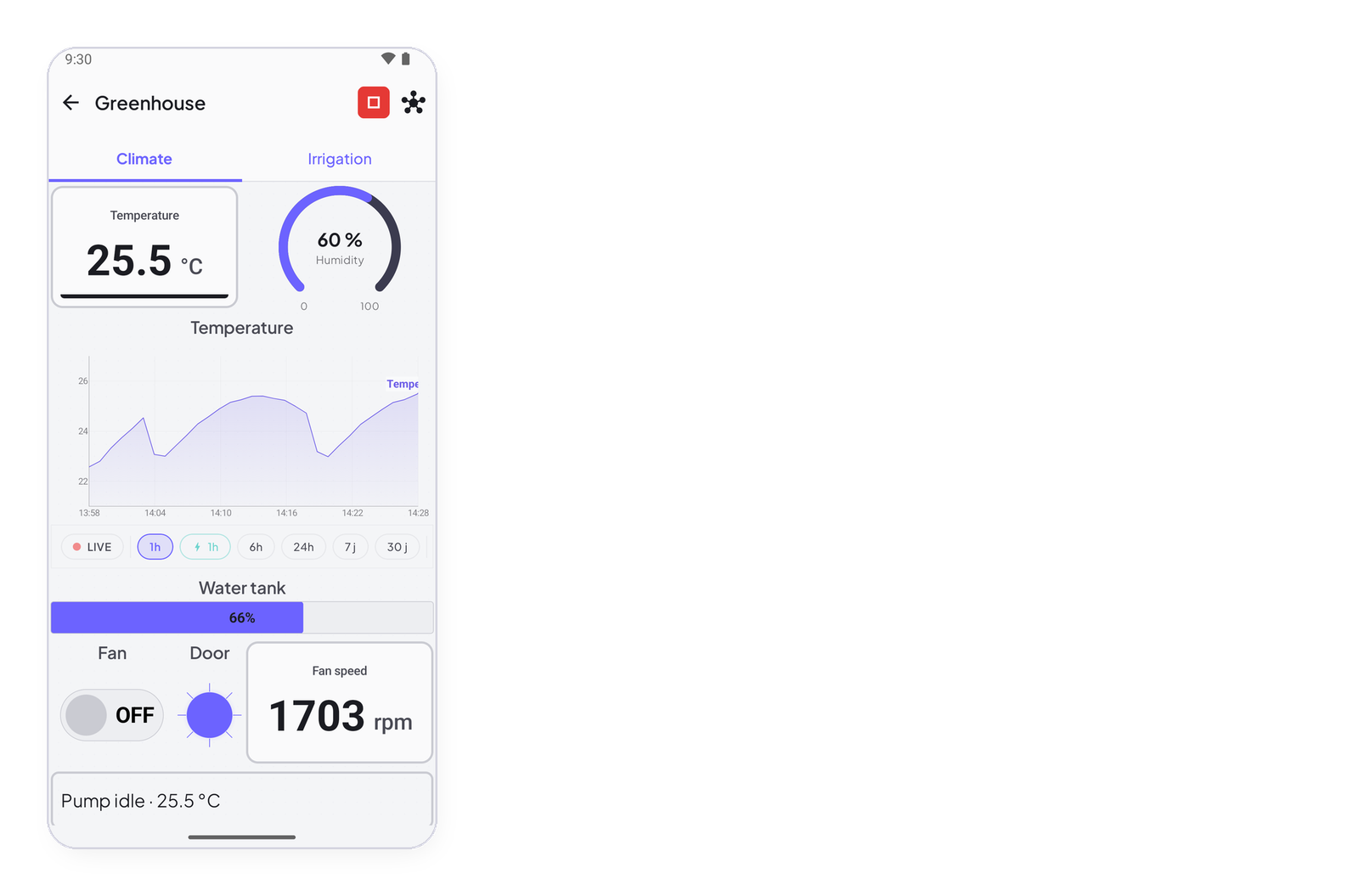
The sketch never names a widget. Put a gauge on I1 today, a chart tomorrow, both the day after — the sketch does not change. That is the whole point of addressing by signal: the dashboard is the app’s business.
InstantIoT.write(I1, readTemperature()); // a gauge, a chart and a rule all read I1 — this line never changes